Stream is a Travel&Local application developed by RideStream, but with the best Android emulator-LDPlayer, you can download and play Stream on your computer.
Running Stream on your computer allows you to browse clearly on a large screen, and controlling the application with a mouse and keyboard is much faster than using touchscreen, all while never having to worry about device battery issues.
With multi-instance and synchronization features, you can even run multiple applications and accounts on your PC.
And file sharing makes sharing images, videos, and files incredibly easy.
Download Stream and run it on your PC. Enjoy the large screen and high-definition quality on your PC!
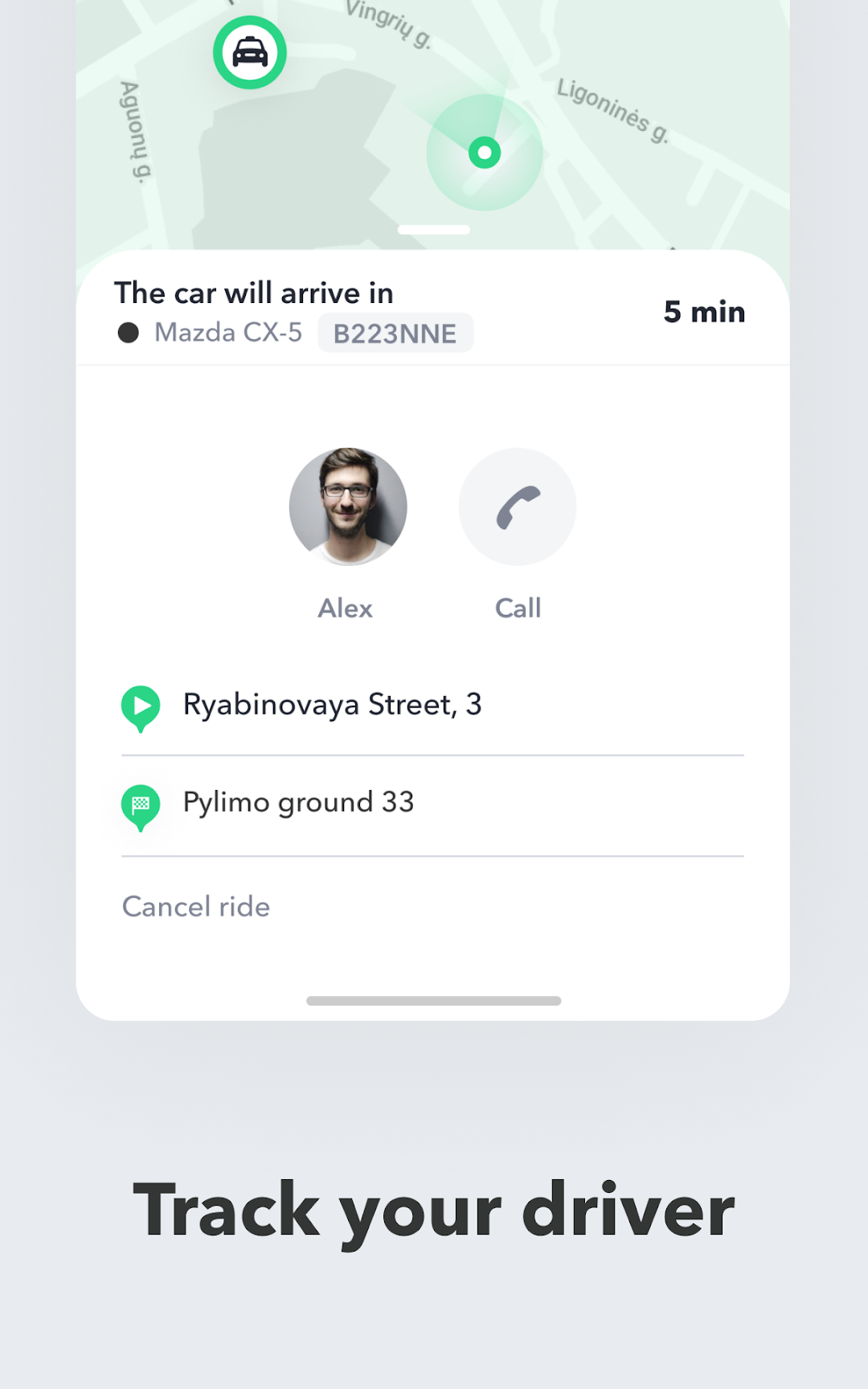
Stream app is a mobile application that allows users to book and pay for a ride with a taxi. Users can simply input their pickup and drop-off locations, select the type of vehicle they need, and pay through the app. The app will then connect the user with a nearby driver, who will be dispatched to their location to pick them up.App allow users to track the driver's location in real-time, see the driver's photo and name, and receive notifications when the driver is about to arrive. The app will also provide an estimated time of arrival and the fare for the ride.
Users can rate their experience with the driver and leave feedback after the ride is complete. This helps improve the service for future users.