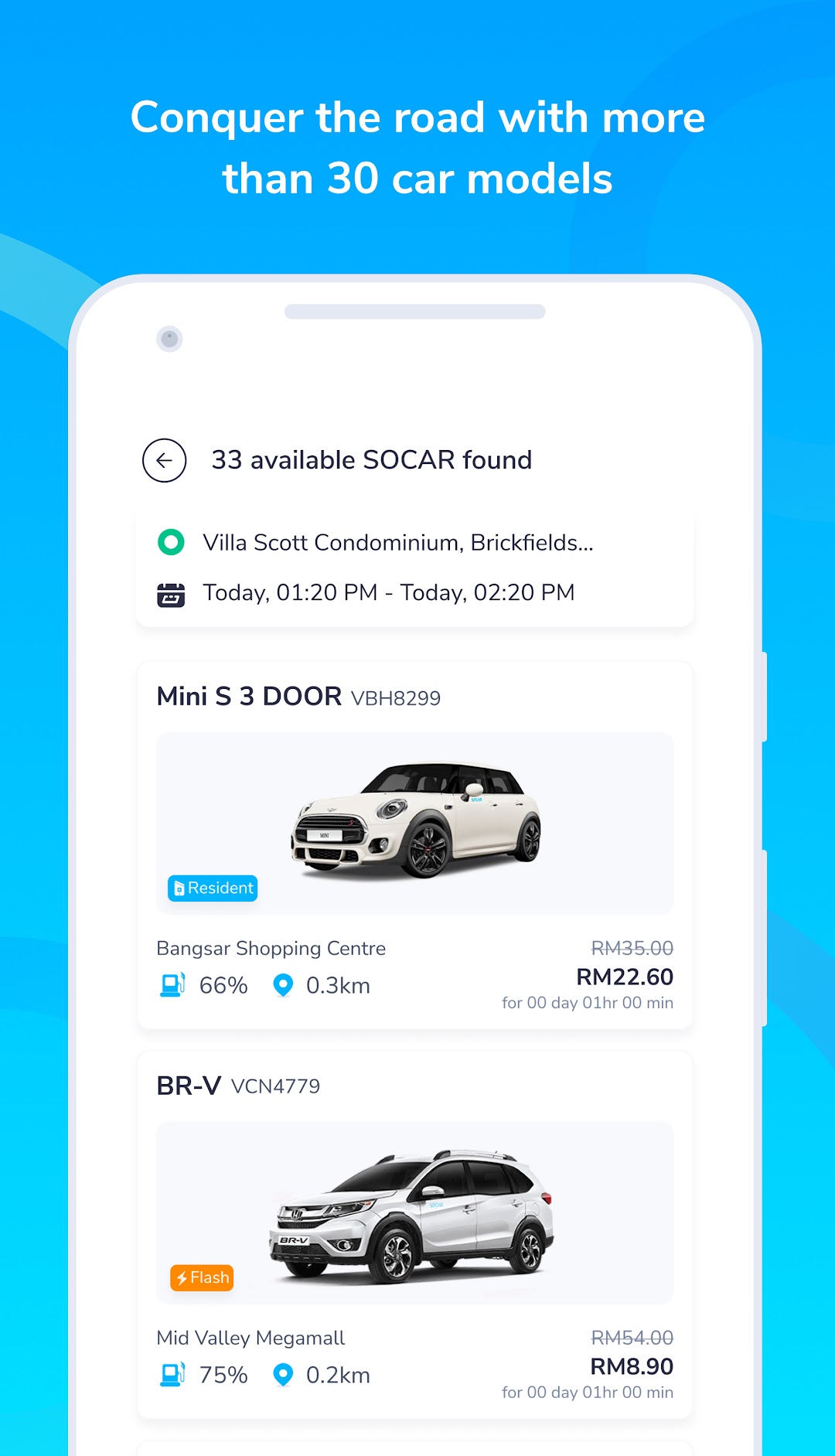
SOCAR is a Travel&Local application developed by SOCAR GLOBAL, but with the best Android emulator-LDPlayer, you can download and play SOCAR on your computer.
Running SOCAR on your computer allows you to browse clearly on a large screen, and controlling the application with a mouse and keyboard is much faster than using touchscreen, all while never having to worry about device battery issues.
With multi-instance and synchronization features, you can even run multiple applications and accounts on your PC.
And file sharing makes sharing images, videos, and files incredibly easy.
Download SOCAR and run it on your PC. Enjoy the large screen and high-definition quality on your PC!
Welcome to an all-new SOCAR app.Built better for you.
Book and drive any of our 30+ different car models in KL, Selangor, Penang, JB, Ipoh, Malacca, and Negeri Sembilan, right from the SOCAR app, from as low as RM8/hour.
Enjoy a wide variety of services from SOCAR-2-U car delivery, personal driver service SOCAR+, with 24-Hour Live Customer Support Service.
P.S. We would love to hear your reviews and feedback on our new app.
#MoreThanJustACar