ScreenReader - Learn TalkBack is a Education application developed by Stichting Appt, but with the best Android emulator-LDPlayer, you can download and play ScreenReader - Learn TalkBack on your computer.
Running ScreenReader - Learn TalkBack on your computer allows you to browse clearly on a large screen, and controlling the application with a mouse and keyboard is much faster than using touchscreen, all while never having to worry about device battery issues.
With multi-instance and synchronization features, you can even run multiple applications and accounts on your PC.
And file sharing makes sharing images, videos, and files incredibly easy.
Download ScreenReader - Learn TalkBack and run it on your PC. Enjoy the large screen and high-definition quality on your PC!
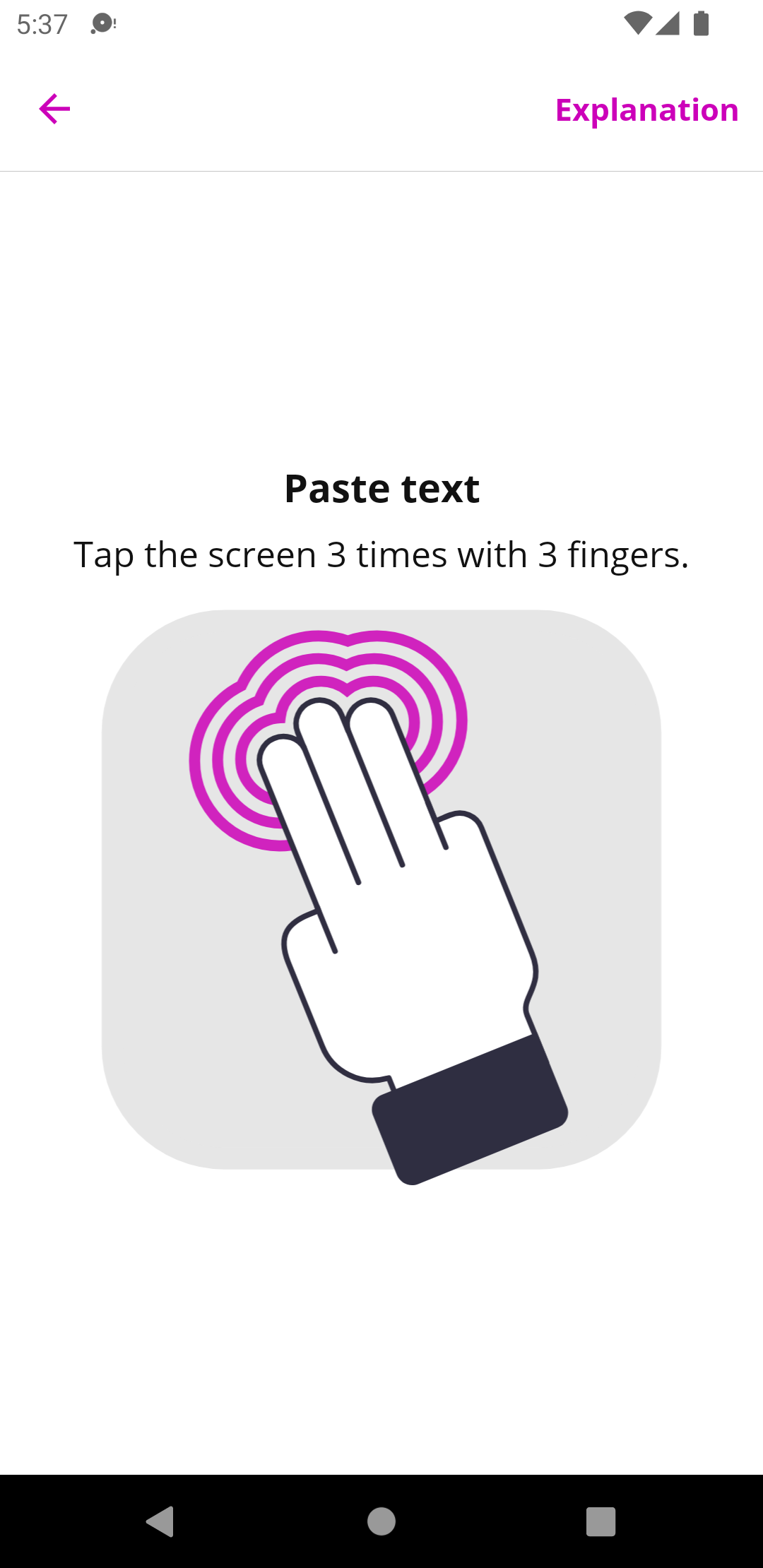
The ScreenReader app contains excersises to learn the TalkBack screen reader.Learn TalkBack gestures, such as:
- Swiping with 1 finger
- Swiping with 2 fingers
- Swiping with 3 fingers
- Tapping with 1 finger
- Tapping with 2 fingers
- Tapping with 3 fingers
- Tapping with 4 fingers
- Shortcuts
Learn TalkBack actions, such as:
- Navigate by headings
- Navigate by links
- Copy text
- Paste text
- Select text
The ScreenReader app is made available for free by the Appt Foundation.