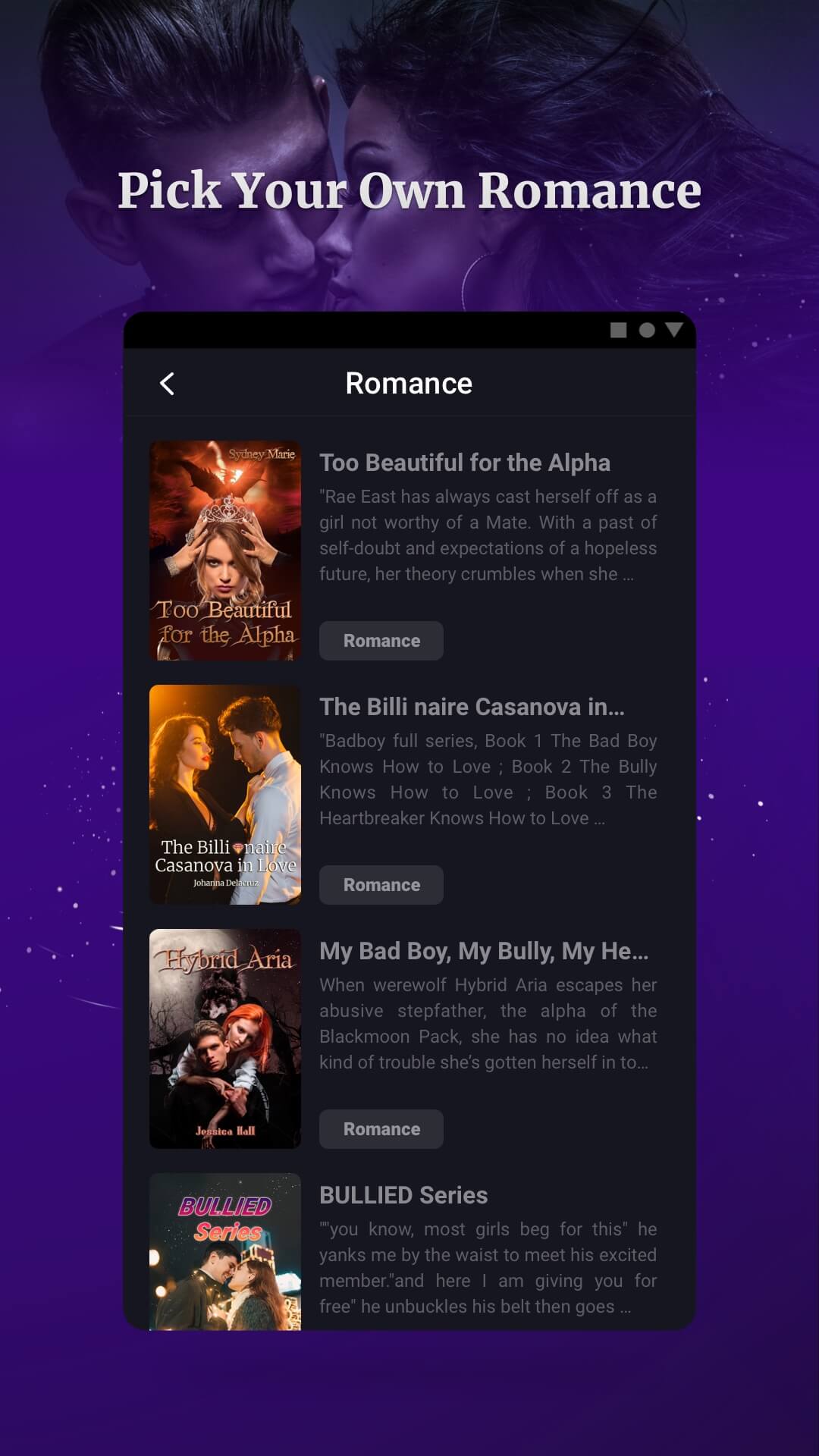
Readom Lite is a Books&Reference application developed by Readom Globe, but with the best Android emulator-LDPlayer, you can download and play Readom Lite on your computer.
Running Readom Lite on your computer allows you to browse clearly on a large screen, and controlling the application with a mouse and keyboard is much faster than using touchscreen, all while never having to worry about device battery issues.
With multi-instance and synchronization features, you can even run multiple applications and accounts on your PC.
And file sharing makes sharing images, videos, and files incredibly easy.
Download Readom Lite and run it on your PC. Enjoy the large screen and high-definition quality on your PC!
Readom Lite - The worldwide leading reading app for story lovers.Discover the best and most trending online novels in every book genre, including Romance, Mystery, Fantasy, Fiction, Badboy, Mafia, Billionaire, Mate, Alpha, Werewolf, Vampire, Bully, Abuse, Rejection, Submission,
Pregnant, Love, Marriage, etc. Our diverse and award-winning writers have got you covered what you want.
New chapters added DAILY! And you can get the hottest new reads in every book genre. Just pick them up and immerse yourself into the most awesome and the next bestsellers immediately!
Write Your Own Stories and Grow Your Readership as a writer with thousands of talented authors in Readom App!