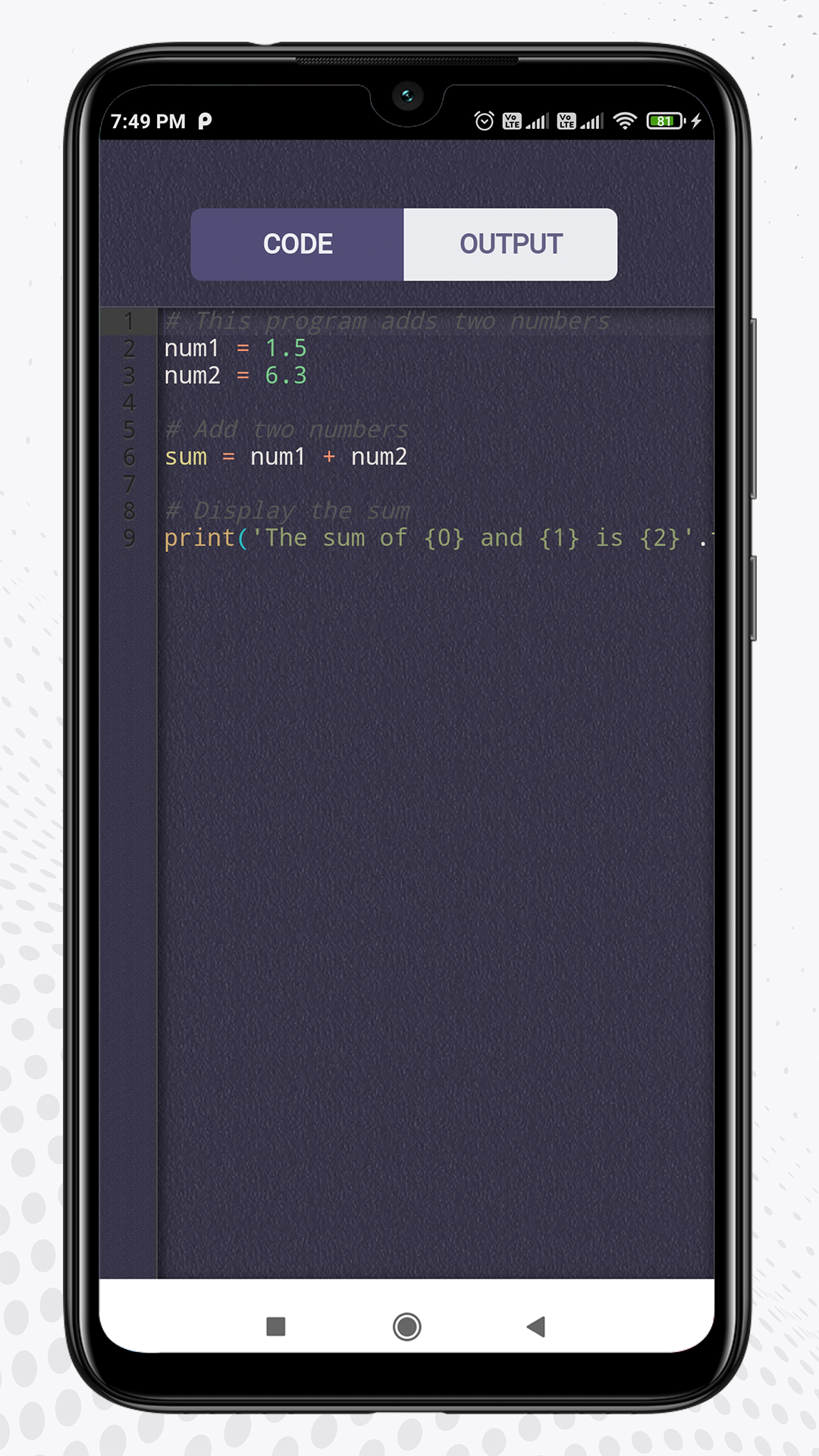
Python Editor is a Tools application developed by Code Play, but with the best Android emulator-LDPlayer, you can download and play Python Editor on your computer.
Running Python Editor on your computer allows you to browse clearly on a large screen, and controlling the application with a mouse and keyboard is much faster than using touchscreen, all while never having to worry about device battery issues.
With multi-instance and synchronization features, you can even run multiple applications and accounts on your PC.
And file sharing makes sharing images, videos, and files incredibly easy.
Download Python Editor and run it on your PC. Enjoy the large screen and high-definition quality on your PC!
If you want to start writing Python code without investing time installing Python and setting up a development environment, you can use our Python compiler and editor.By the way, our online interpreter is completely free. Also, support syntax highlighting feature to easy to understand. Codeplay's python editor is a decent IDE for learning as it's lightweight and simple to use.
This is a Python dedicated IDE that comes with Python 3 built-in. Once you install the app, you can start writing Python code without any configuration. This is intended for beginners. The user interface is kept simple so that beginners will find it easy to get started.