PolBox.TV is a Entertainment application developed by Polbox Media LTD, but with the best Android emulator-LDPlayer, you can download and play PolBox.TV on your computer.
Running PolBox.TV on your computer allows you to browse clearly on a large screen, and controlling the application with a mouse and keyboard is much faster than using touchscreen, all while never having to worry about device battery issues.
With multi-instance and synchronization features, you can even run multiple applications and accounts on your PC.
And file sharing makes sharing images, videos, and files incredibly easy.
Download PolBox.TV and run it on your PC. Enjoy the large screen and high-definition quality on your PC!
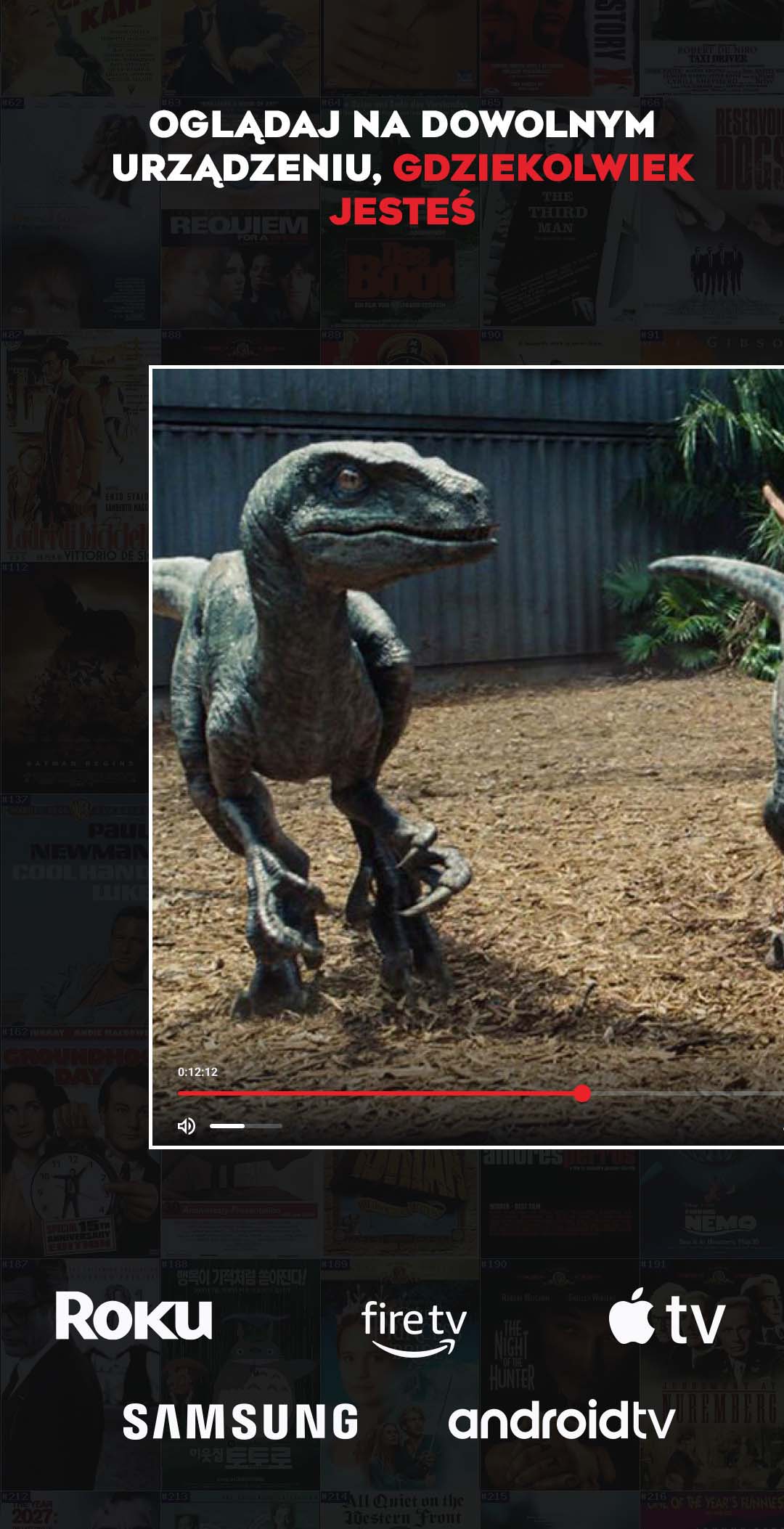
Over 120 of the best Polish live channels, a 2-week archive and 3000+ titles in Polish in the Video Library!Watch your favorite movies, series and programs wherever you are and whenever you want!
The application was created especially for PolBox.TV (more details: https://polbox.tv) and includes the following options:
• 120+ best Polish live channels
• 2-week archive - watch TV at your chosen time within two weeks of broadcast
• Video library - a constantly updated collection containing over 3,000 current and classic films and series in Polish
• TV Guide - broadcast times, descriptions and program previews
• On-demand broadcast delay - control of the program broadcast time on an ongoing basis. So that the news is available at 7 p.m. even on the other side of the world!
• Parental controls
• Favorites - save interesting movies and series for later
• Advanced search and filtering
Install the application now and enjoy your favorite content on PolBox.TV wherever you are: at home, at a neighbor's house or on vacation.
PolBox.TV is entertainment for everyone!
*Using the application requires a PolBox.TV subscription, which can be purchased on our website https://polbox.tv
**The list of available channels may change during the subscription period.
***The channels are responsible for the content of the programs.