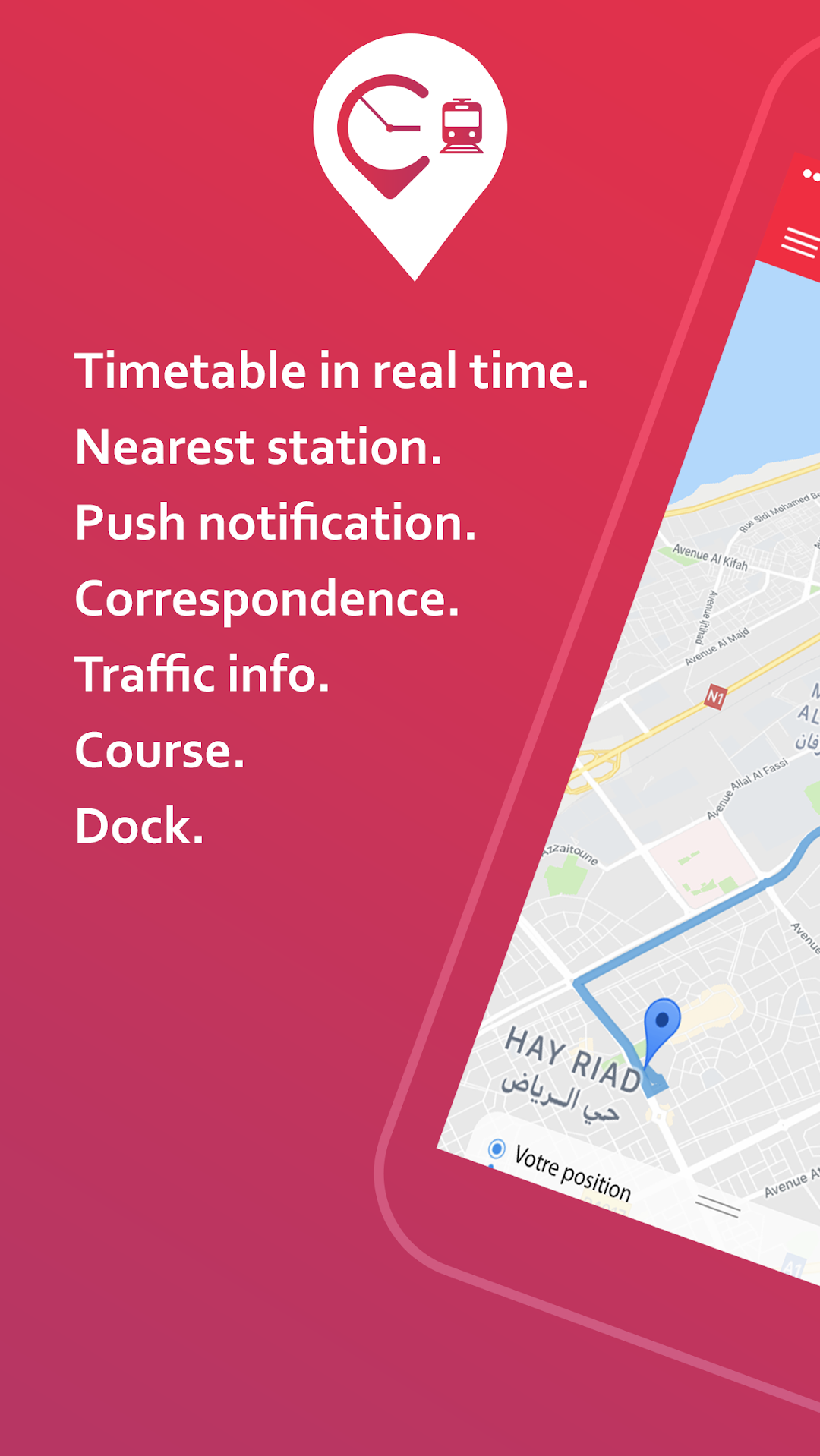
ONCF TRAFIC is a Travel&Local application developed by ONCF, but with the best Android emulator-LDPlayer, you can download and play ONCF TRAFIC on your computer.
Running ONCF TRAFIC on your computer allows you to browse clearly on a large screen, and controlling the application with a mouse and keyboard is much faster than using touchscreen, all while never having to worry about device battery issues.
With multi-instance and synchronization features, you can even run multiple applications and accounts on your PC.
And file sharing makes sharing images, videos, and files incredibly easy.
Download ONCF TRAFIC and run it on your PC. Enjoy the large screen and high-definition quality on your PC!
ONCF TRAFIC is a mobile application of the National Railway Office (ONCF).To make your mobility easier, the new ONCF TRAFIC app allows you to be informed in real-time about the state of traffic and traffic on your train.
With a single click, the mobile application will offer you several features:
The nearest station:
ONCF TRAFIC allows you to locate the station closest to you and suggests the route to follow to get there.
Schedule:
You can consult the timetables and the next departures.
Traffic status:
Stay continuously informed about traffic conditions to better anticipate your trips.
Details of your trip:
Thanks to ONCF TRAFIC, you can consult all the details of your journey: Stations served, Distance and journey time of your journey, Lane number, 1st class location.
ONCF-TRAFIC also informs you about the connecting stations where you must get off, either to change trains or to take a SUPRATOURS coach if you are going to a destination not served by rail (Agadir, Essaouira, Laayoune, Béni Mellal, Tétouan ...).
With ONCF-TRAFIC, you can also access the oncf-voyages.ma store online website to buy your ticket online as well as the ONCF2255 Customer Relations Center if you want more information.