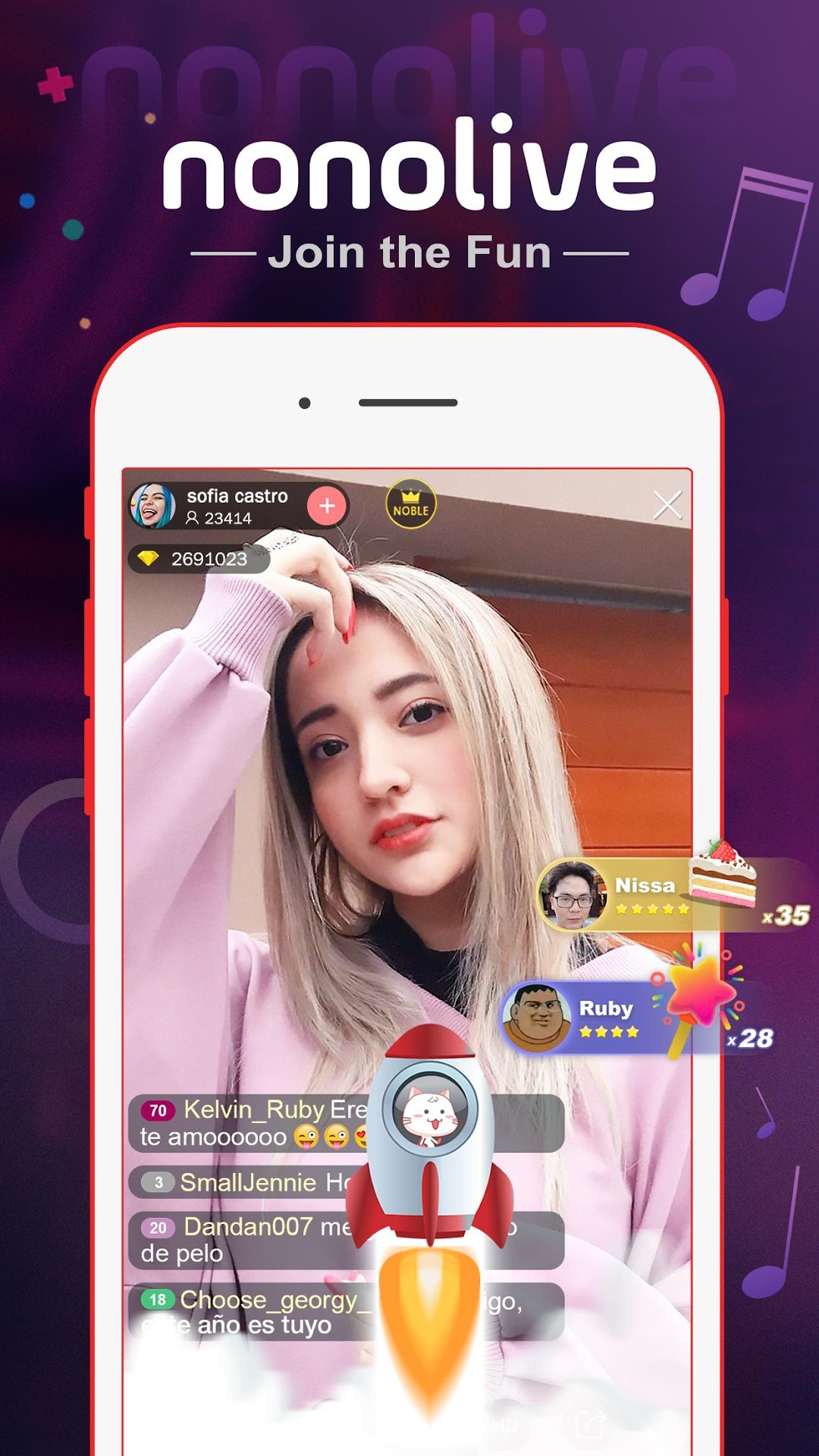
Nonolive - Live Streaming is a Entertainment application developed by DOYU HONGKONG LIMITED, but with the best Android emulator-LDPlayer, you can download and play Nonolive - Live Streaming on your computer.
Running Nonolive - Live Streaming on your computer allows you to browse clearly on a large screen, and controlling the application with a mouse and keyboard is much faster than using touchscreen, all while never having to worry about device battery issues.
With multi-instance and synchronization features, you can even run multiple applications and accounts on your PC.
And file sharing makes sharing images, videos, and files incredibly easy.
Download Nonolive - Live Streaming and run it on your PC. Enjoy the large screen and high-definition quality on your PC!
Nonolive is a global live broadcast platform, brings together many high-quality contracted anchors, amateur beauties and game advanced players to share happiness and passion with you. The featured feature is online real-time interaction. You can chat with your favorite anchor in real time and share your feeling with other audiences.Download Nonolive now! You won’t be lonely any more cause there will always be someone to accompany you.
「Main Features」
Attractive anchors:
Exclusive star-show beauties, talented and charming. Amateur beauties, shy and pure. There is always one you like.
Game live:
Popular games live 24 hours. Join the millions of hardcore and casual gamers. Discover new trending games.
One-click broadcast:
In addition to the computer broadcast, the mobile phone also supports one-click broadcast. You can share your happiness anytime, anywhere. As long as your soul is interesting, you can be the brightest star..
Multiplayer video chat:
Support up to 6 people to connect with video, meet friends from all over the world, and experience the passion and collision of multiculturalism.
Fantastic gift effects:
Rose, luxury cars, or even rockets. As many as dozens of hundreds of gifts, there is always one that can meet your needs.
Fans group:
Join an exclusive fan group of anchors, obtain exclusive fans badges and various privileges.
「Contact us」
Download and Follow us on social media:
Facebook: https://www.facebook.com/Nonolive/
Youtube: http://bit.ly/Nonolive_YT
Instagram: @nonoliveid
Website: www.nonolive.com
Your questions and feedback are always welcome! Please email us at: support@nonolive.com