MyMTN is a Productivity application developed by MTN, but with the best Android emulator-LDPlayer, you can download and play MyMTN on your computer.
Running MyMTN on your computer allows you to browse clearly on a large screen, and controlling the application with a mouse and keyboard is much faster than using touchscreen, all while never having to worry about device battery issues.
With multi-instance and synchronization features, you can even run multiple applications and accounts on your PC.
And file sharing makes sharing images, videos, and files incredibly easy.
Download MyMTN and run it on your PC. Enjoy the large screen and high-definition quality on your PC!
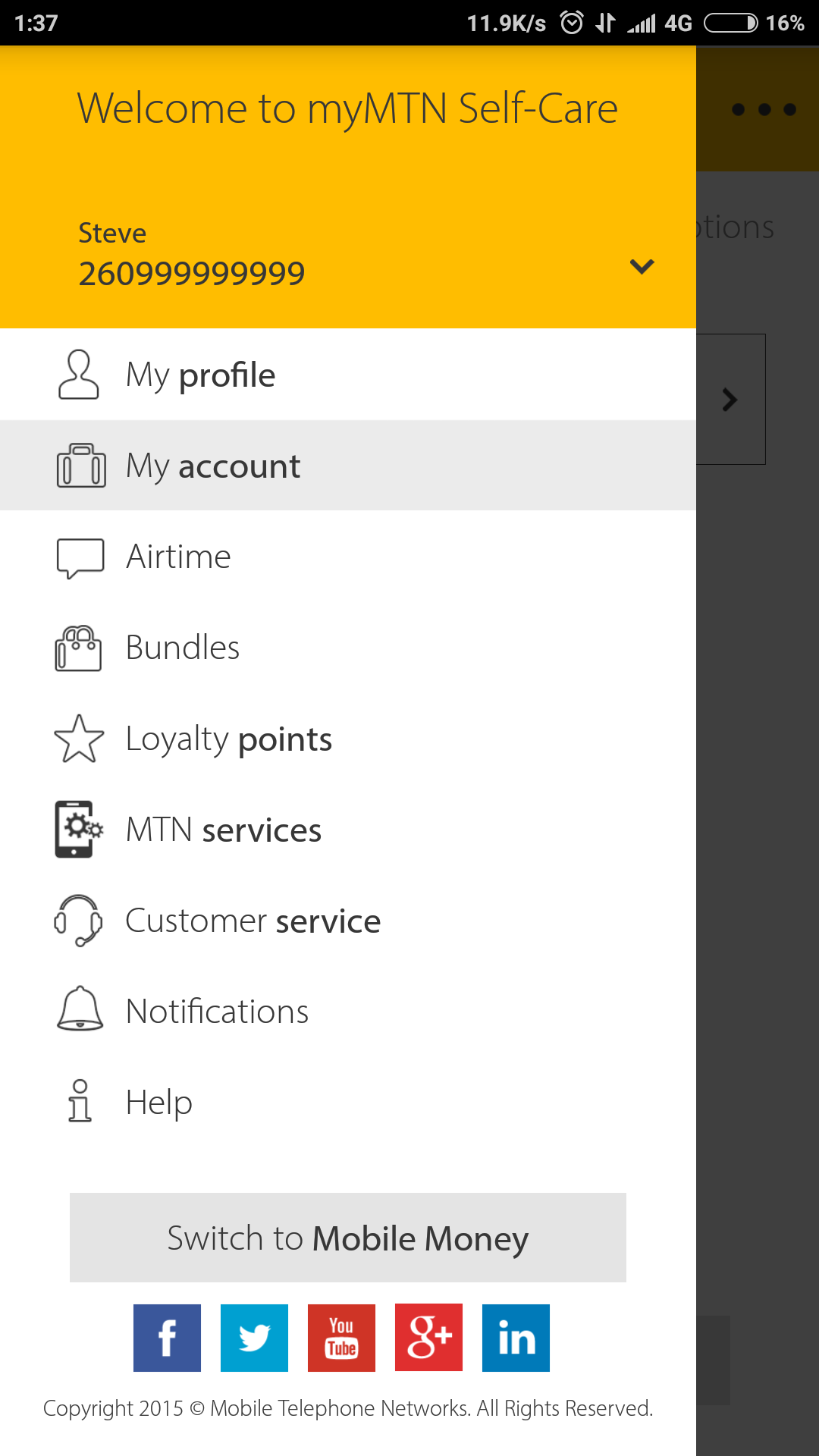
Welcome to the world of services to suit everyone’s needs. With MyMTN you can topup airtime, purchase bundles pay your bills and much more.It’s everything you need, all in one place. Manage your mobile world the easy way with MyMTN.
MyMTN gives subscribers greater control of their own mobile services so that they can access services and solve issues without having to contact company representatives. MyMTN also ensures customers have access to information about MTN’s products and services whenever the user needs it (24 hours a day) and at their convenience.