MOL Bubi is a Maps&Navigation application developed by BKK Budapesti Közlekedési Központ, but with the best Android emulator-LDPlayer, you can download and play MOL Bubi on your computer.
Running MOL Bubi on your computer allows you to browse clearly on a large screen, and controlling the application with a mouse and keyboard is much faster than using touchscreen, all while never having to worry about device battery issues.
With multi-instance and synchronization features, you can even run multiple applications and accounts on your PC.
And file sharing makes sharing images, videos, and files incredibly easy.
Download MOL Bubi and run it on your PC. Enjoy the large screen and high-definition quality on your PC!
MOL Bubi is an environmentally friendly, fast and convenient mobility alternative in the city centre. Opt for the greenest means of public transport and use MOL Bubi!Download the app, find a MOL Bubi bike at one of the 158 stations and you are ready to ride within a few seconds.
All this in the blink of an eye: once you have registered, you can choose the fare that best suits you, and then you will be able to read the news, give feedback, redeem a coupon or contact customer service directly.
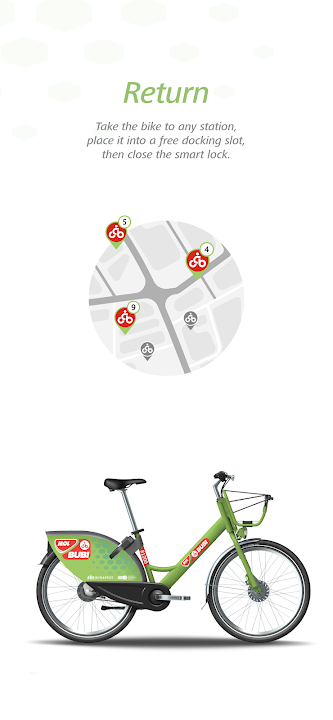
Use the QR code scanner to pick up a bike or enter the 6-digit number seen on the rear of the bike or below the seat tube. The smart lock in the back will open with a loud click, and after the beep, you can start cycling. In the app, you can track how long you have been riding. When you are ready to finish cycling, just return the bike to any station and dock it into a free slot. Lock the bike by pressing down the lever on the smart lock until it clicks.