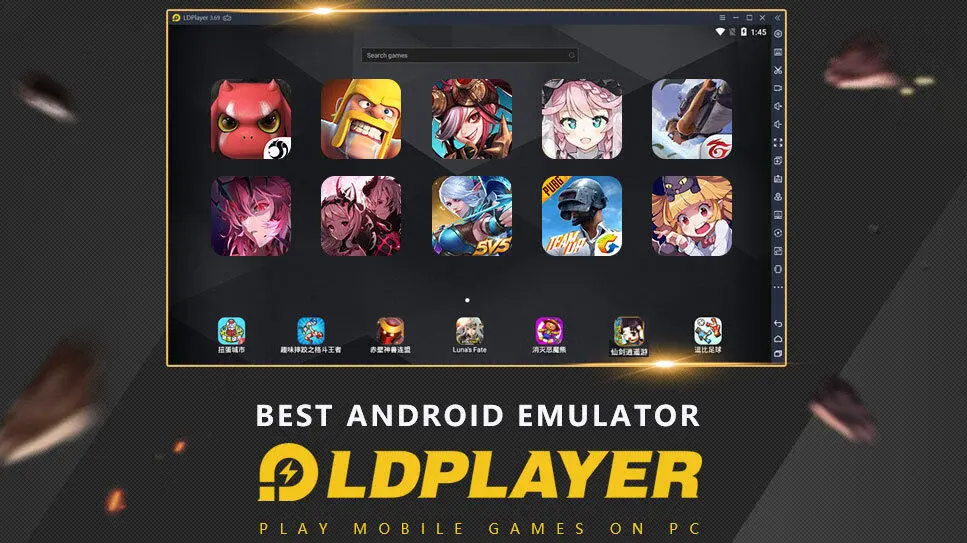
LDCloud-Cloud Phone for Roblox is a Tools application developed by HONGKONG LDCLOUD INTERNATIONAL CO. LIMITED, but with the best Android emulator-LDPlayer, you can download and play LDCloud-Cloud Phone for Roblox on your computer.
Running LDCloud-Cloud Phone for Roblox on your computer allows you to browse clearly on a large screen, and controlling the application with a mouse and keyboard is much faster than using touchscreen, all while never having to worry about device battery issues.
With multi-instance and synchronization features, you can even run multiple applications and accounts on your PC.
And file sharing makes sharing images, videos, and files incredibly easy.
Download LDCloud-Cloud Phone for Roblox and run it on your PC. Enjoy the large screen and high-definition quality on your PC!
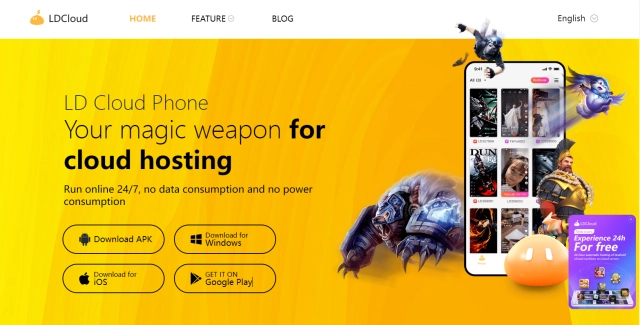
LDCloud, the best cloud phone for playing ROBLOX. With 24/7 online availability, it is ideal for idle games and applications that require long-term operation. Servers located in Singapore, Taiwan, the United States, South Korea, and the Netherlands ensure fast access worldwide.▶Why choose LDCloud virtual phone◀
✧24/7 Online, Designed for AFK Games
LDCloud phone runs on remote servers with a cloud-based Android environment, keeping apps and games online even when your local device is turned off. Roblox, Monopoly, Free Fire Max, Kingshot, Coin Master, Last War, Whiteout Survival, Free Fire, Ragnarok, RöX, Lordnine, Maplestory, The Tower, Ghost Soul M, Legend of Ymir, ... support all heated games. Let LDCloud enhance your gaming experience!
✧ Multiple Devices, Easy Management
Run multiple cloud devices simultaneously and manage them all from a single account. Maximize your cloud phone for business or personal needs. Run your apps, including Tiktok, Facebook, Reddit, Auto Clicker, Telegram, ZArchiver, and more.
✧ Android 10-14, Stable Supply
Choose from a wide range of cloud phone models to meet different performance needs. With sufficient inventory and stable supply, cloud devices are always available when you need them — no waiting, no interruptions, no availability concerns.
✧ Sync Action, Boost Productivity
One click to simply replicate actions and synchronize it at different cloud phone devices. With all cloud phones running around the clock, you can manage devices, applications, and users, enjoying the pleasure of batch operations and multitasking.
✧ Cloud-Based, Zero Local Usage
high-performance Android cloud phone where all processes run entirely in the cloud. No local storage, CPU, or battery is consumed, helping free up your device resources and keep your device running smoothly. Access your cloud phone across multiple platforms, including Windows, Android, macOS, and iOS. Anytime, anywhere.
✧ Data Security
We prioritize user privacy and data protection. Encrypted data transmission and isolated cloud environments ensure secure and stable operation.
Should you have any questions, please do not hesitate to contact us via ldcloud.contact@gmail.com
▶Contact us◀
Official website: https://www.ldcloud.net/
Facebook page: https://www.facebook.com/ldcloudphone
Discord: https://discord.gg/9d3ajaZCcy