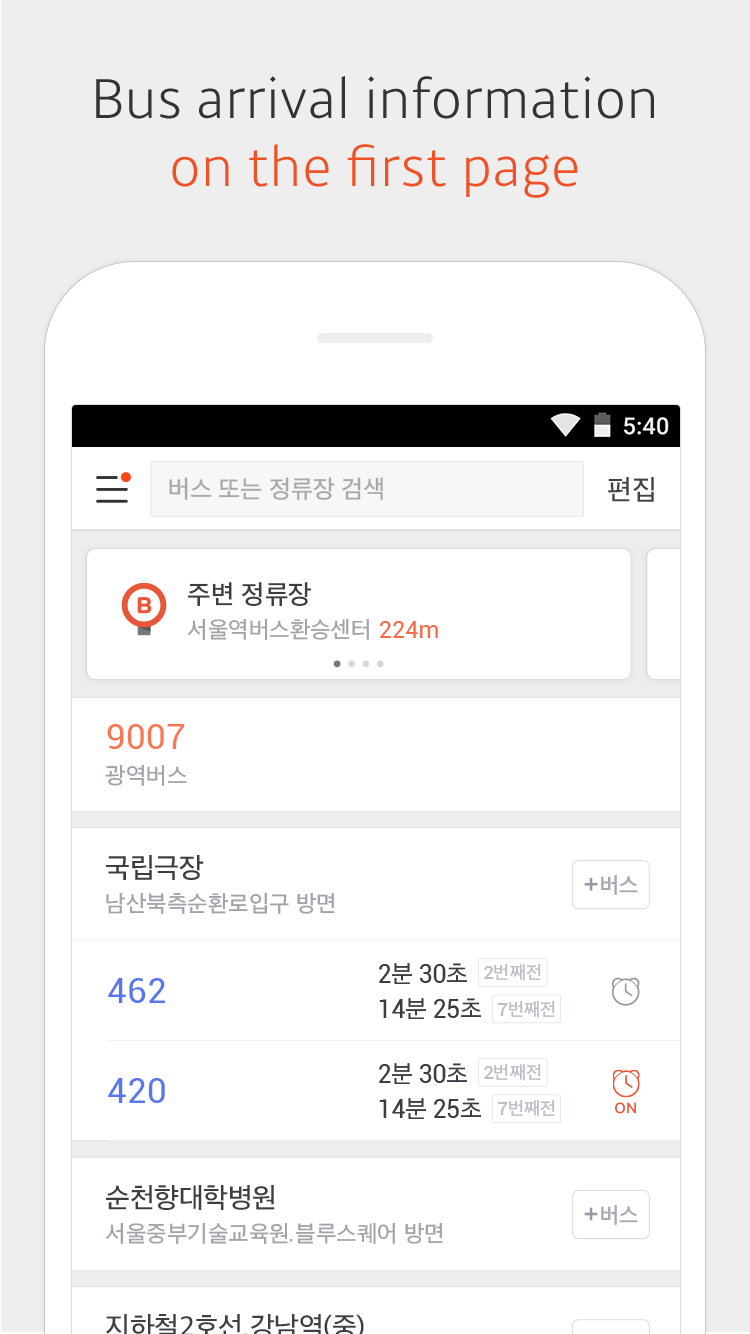
KakaoBus is a Maps&Navigation application developed by Kakao Mobility Corp., but with the best Android emulator-LDPlayer, you can download and play KakaoBus on your computer.
Running KakaoBus on your computer allows you to browse clearly on a large screen, and controlling the application with a mouse and keyboard is much faster than using touchscreen, all while never having to worry about device battery issues.
With multi-instance and synchronization features, you can even run multiple applications and accounts on your PC.
And file sharing makes sharing images, videos, and files incredibly easy.
Download KakaoBus and run it on your PC. Enjoy the large screen and high-definition quality on your PC!
Kakaobus provides you with real-time bus and bus stop information of 57 Korean cities.* Real-time bus arrival information
* Bus route information with real-time bus location
* Departure Alarm
Set up the departure alarm to receive notifications five minutes, three minutes or one minute before the bus arrives at your stop.
* Arrival Alarm
Set an alarm to make sure you get off at the right stop.
* Bus Arrival Notification
You can get notifications for buses at a certain day and time without having to set them manually every time.
* Suggestions based on your current location : Nearby Stops, Night Buses Nearby, Direct Bus to Home, Kakao Taxi
Continued use of GPS running in the background can dramatically decrease battery life.
[Permission Information]
▸ Optional permissions
Location : To search nearby bus stops and provide arrival alarms using the current location infomation.
Notification : To receive alarms with sounds and badges.