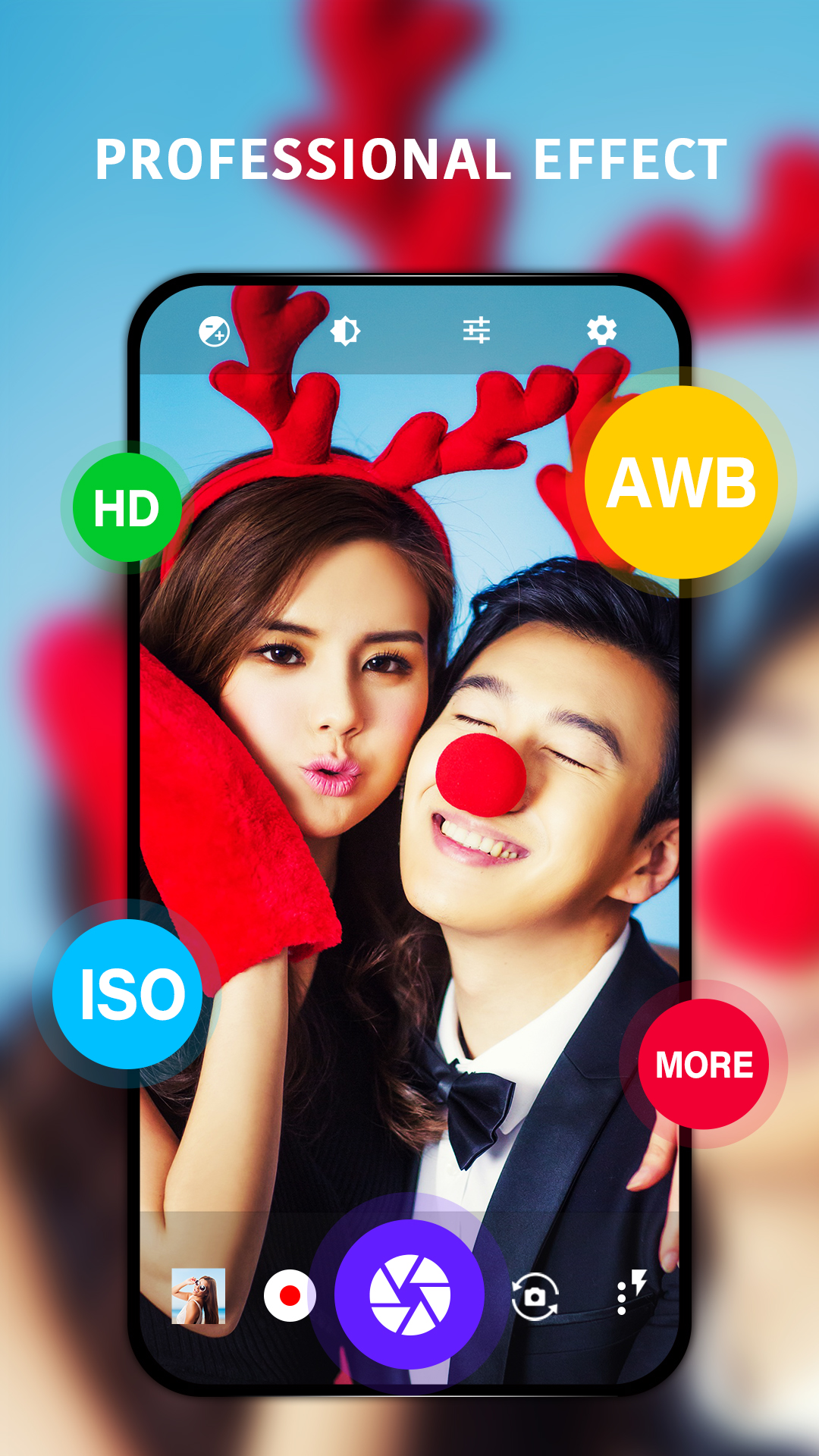
HD Camera is a Photography application developed by HD Camera, but with the best Android emulator-LDPlayer, you can download and play HD Camera on your computer.
Running HD Camera on your computer allows you to browse clearly on a large screen, and controlling the application with a mouse and keyboard is much faster than using touchscreen, all while never having to worry about device battery issues.
With multi-instance and synchronization features, you can even run multiple applications and accounts on your PC.
And file sharing makes sharing images, videos, and files incredibly easy.
Download HD Camera and run it on your PC. Enjoy the large screen and high-definition quality on your PC!
HD Camera is a fully featured camera app, Take incredible photos with amazing filters! 🚀🔥🏆Key features:
❤ Professional effects with different styles
❤ Stylish HDR – Improve images captured in low-light and backlit scenes
❤ Real-time Filter – Preview filter effect before taking pictures or shooting videos
❤ Support for focus modes, color effects, white balance, ISO, and exposure compensation/lock, torch
❤ Quick Snap, Continuous shooting, Auto-stabilize
One touch to take beautiful photos! 💖🎊💯 Let’s capture more special moments in HD Camera! 🎉📸💎
—————————————
Disclaimer:
This app is based on Open Camera code, and licensed under the GNU General Public License.
Code: https://sourceforge.net/p/opencamera/code
GNU General Public License: http://www.gnu.org/licenses