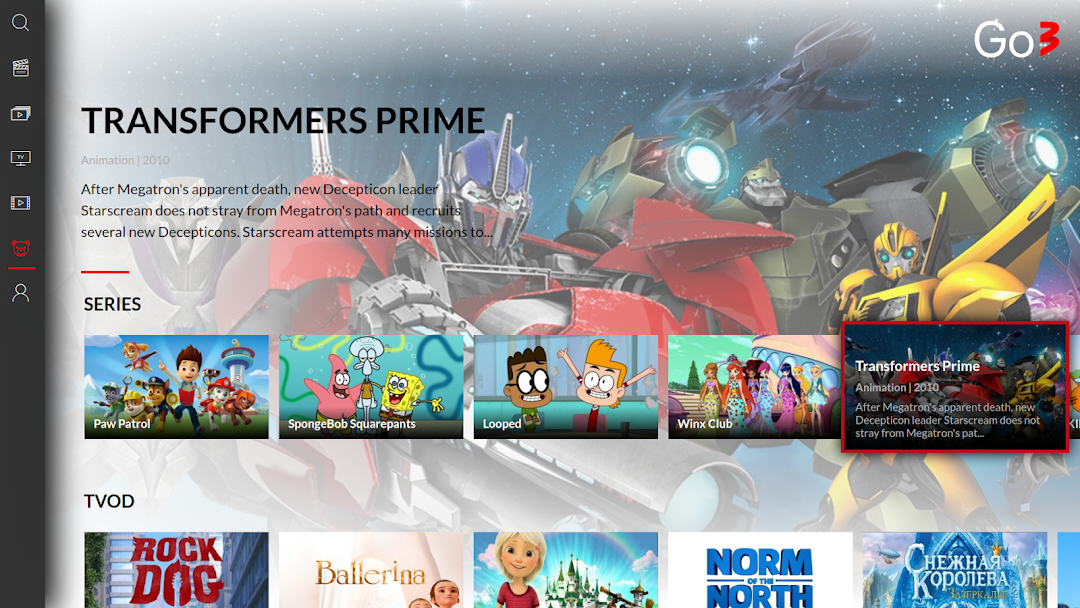
Go3 is a Entertainment application developed by TVPlay Baltic AS, but with the best Android emulator-LDPlayer, you can download and play Go3 on your computer.
Running Go3 on your computer allows you to browse clearly on a large screen, and controlling the application with a mouse and keyboard is much faster than using touchscreen, all while never having to worry about device battery issues.
With multi-instance and synchronization features, you can even run multiple applications and accounts on your PC.
And file sharing makes sharing images, videos, and files incredibly easy.
Download Go3 and run it on your PC. Enjoy the large screen and high-definition quality on your PC!
Go3 is the largest video content platform in the Baltics, available anytime on PC or smartphones, tablets and smartTV. It combines the best of domestic content, the most popular foreign movies and series, the most interesting sports events in the world, as well as live TV channels with archive function in one place! In order to choose the most suitable offer, we have prepared several packages.With Go3 you will get:
*More than 30 live TV channels
*Up to 7 days catch-up
*Movies and series - local and foreign
*TV3 Groups' production shows earlier than they air on TV
*Live streams from the best sports in the world (NBA, EL, CL, PL, KHL, NHL, WBSS, etc.)
*Download feature - enjoy content offline
*Content in original and/or local languages
*Possibility to watch on 2 devices at the same time
*Availability on phones, tablets, computers, and TVs
*Cast function