

Gaby is a Entertainment application developed by hiluck.sze, but with the best Android emulator-LDPlayer, you can download and play Gaby on your computer.
Running Gaby on your computer allows you to browse clearly on a large screen, and controlling the application with a mouse and keyboard is much faster than using touchscreen, all while never having to worry about device battery issues.
With multi-instance and synchronization features, you can even run multiple applications and accounts on your PC.
And file sharing makes sharing images, videos, and files incredibly easy.
Download Gaby and run it on your PC. Enjoy the large screen and high-definition quality on your PC!
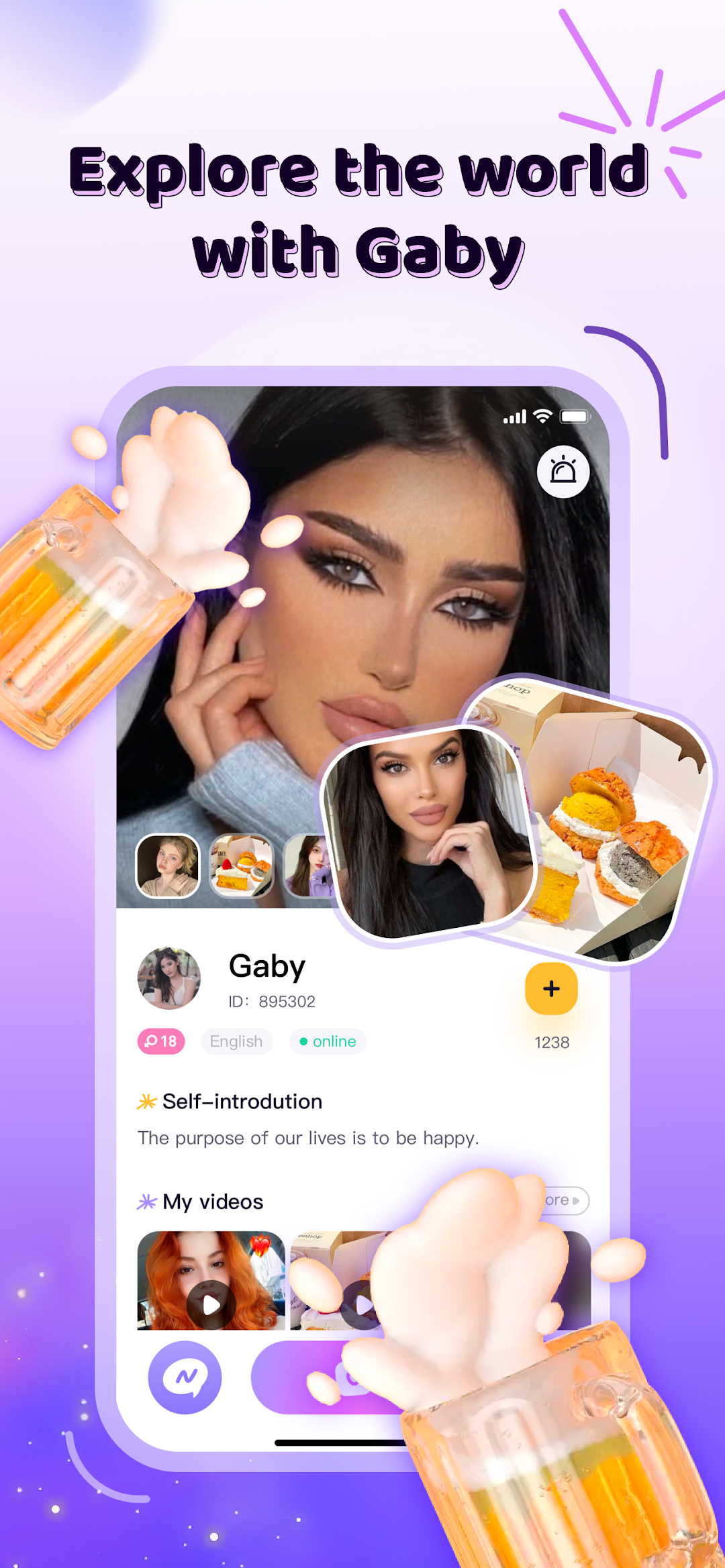
Gaby boasts of an impressive user-base of more than a million people from across the globe.This app comes with various features that let you view profile of different users, shows you a list of your favorite stars, and also makes your profile more attractive by sharing your wonderful daily life.
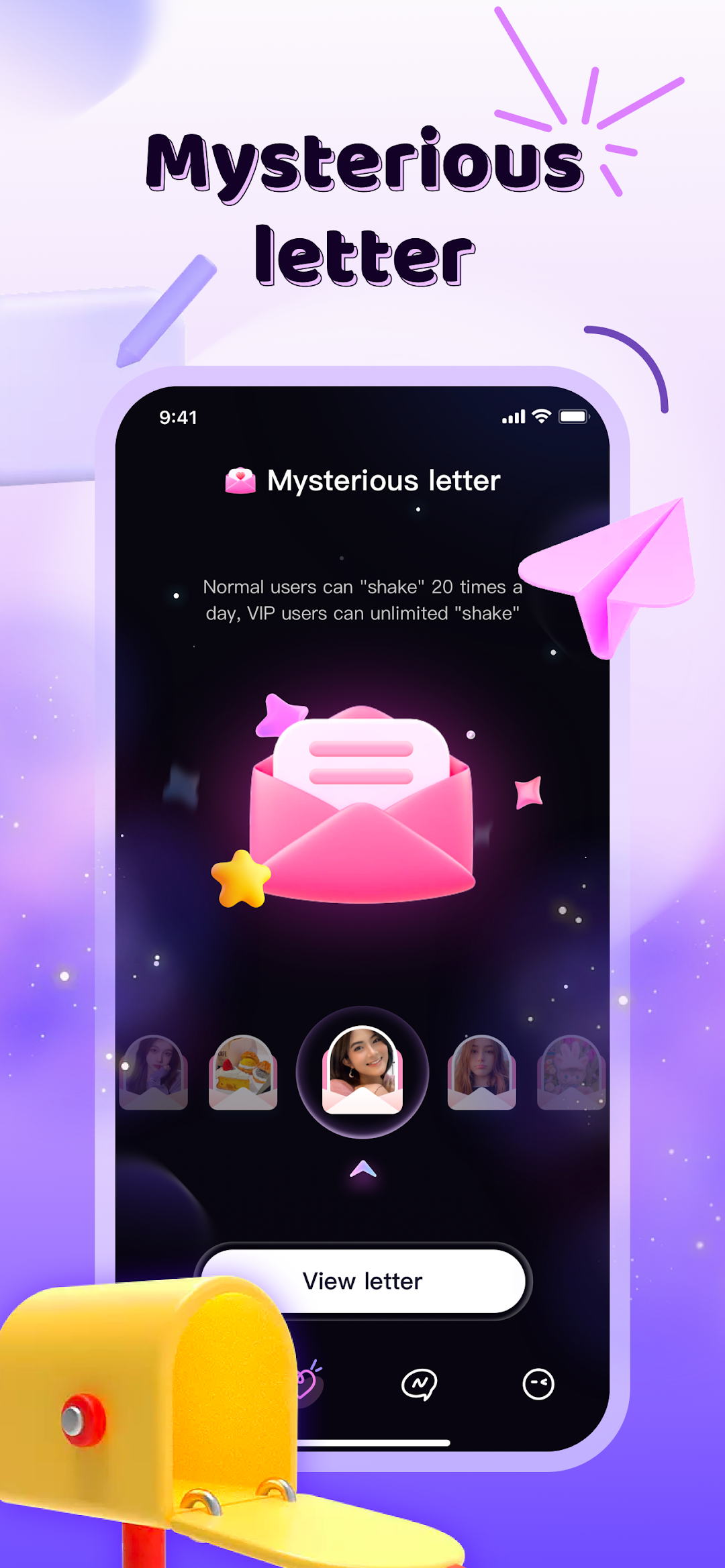
[Mysterious letter]
This function is created for you! Every letter hides a surprise. If you want to know what the surprise is for you, then come and open your mysterious letter!
[More fun with emojis]
Emoji is a quick way to express your feelings, and they often work better than words. Language is dynamic and it is heavily influenced by the people who use it. Using emojis, you can witness the development and charm of your personal language.
[Secure chat]
We respect your privacy. We end-to-end encrypt conversations to protect you.Your personal contacts are not stored on our server, so they are safe and known to you alone. Any violation of UGC guidlines regulations will be viewed seriously.
[Features]
Meet friends from all over the world through video and chat. Gaby supports 8 languages, convenient for users from different countries to use.
End-to-end encrypt conversations to protect users privacy.
Quickly connect to friends with direct video calls.
Fancy gifts effect - make your conversation more fun.