Feeder.co is a News&Magazines application developed by Feeder.co, but with the best Android emulator-LDPlayer, you can download and play Feeder.co on your computer.
Running Feeder.co on your computer allows you to browse clearly on a large screen, and controlling the application with a mouse and keyboard is much faster than using touchscreen, all while never having to worry about device battery issues.
With multi-instance and synchronization features, you can even run multiple applications and accounts on your PC.
And file sharing makes sharing images, videos, and files incredibly easy.
Download Feeder.co and run it on your PC. Enjoy the large screen and high-definition quality on your PC!
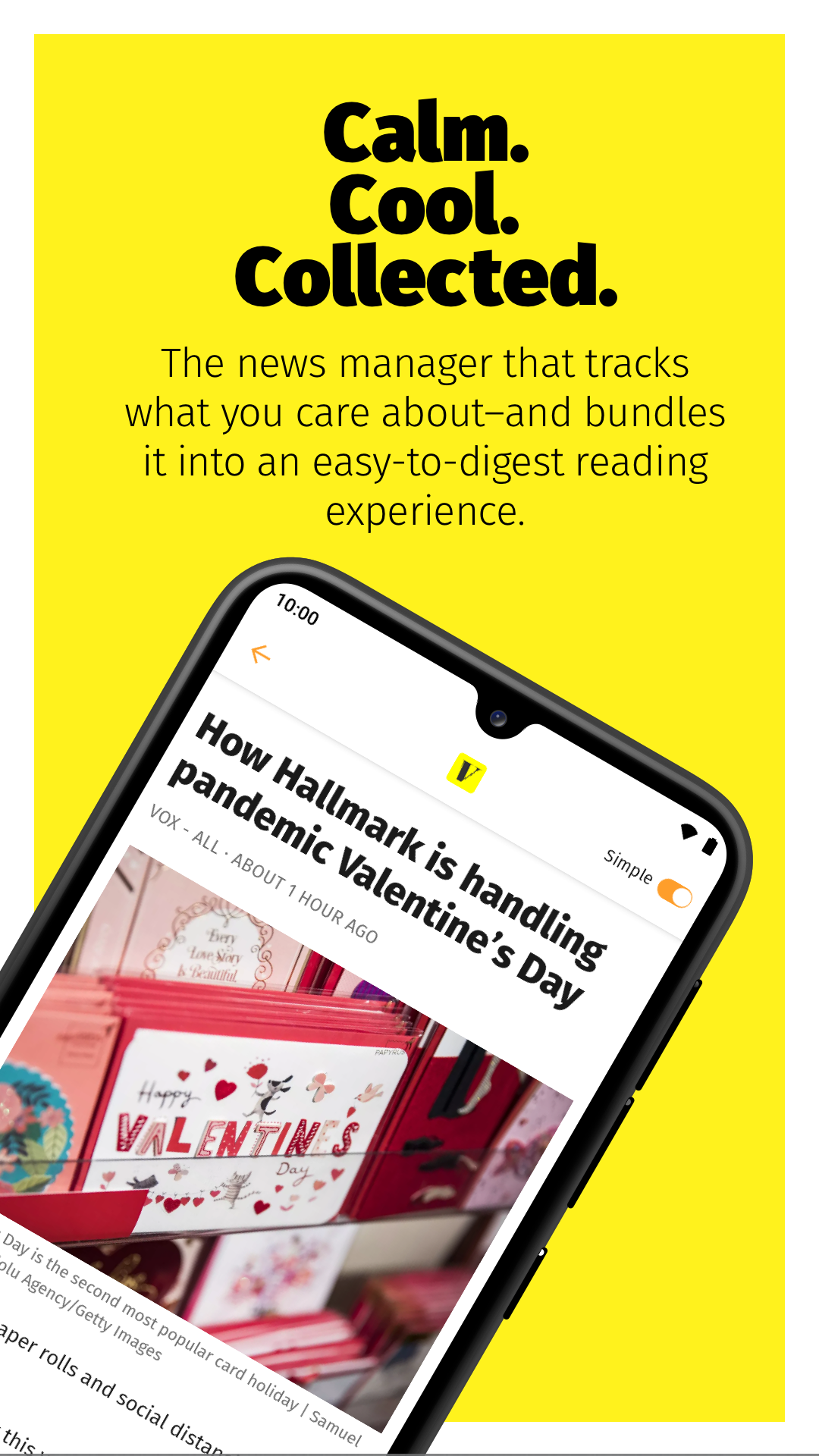
Calm. Cool. Collected.Keep up with everything you care about in one place with Feeder (www.feeder.co). Feeder is the news manager that tracks any online source you choose and bundles it into an easy-to-digest reading experience.
Add content sources to get your very-own customized news feed. Through advanced RSS integrations, we connect to almost any source on the web – blogs, news, weather, government databases, job boards, Twitter, newsletters and more. Just pick and mix.
We check for updates faster than you ever could manually. With notifications, we let you know that there's new content you care about available, allowing you to know what happens, right when it happens.
Add filters to your feeds to find keywords or specific topics in posts. You can also exclude certain keywords to remove noise. Filters combined with notifications allow you to get notified for even more specific content.
Sort, label and share. When you find something important, share it with your friends or colleagues. We have all the tools to optimize your information intake and spread it to relevant parties.
Whether you use Feeder for large consumption or casual browsing. Read content in the way that suits you. Light theme for the day, dark theme during the night. Use compact mode to maximize content or simple mode to remove all clutter.
Feature list:
- Browse your feeds in a great experience
- Star posts and mark them as unread with simple swipe gestures
- View your unread posts in one consolidated list
- Receive push notifications when a new post appears, globally or per feed
- With the intuitive scroll experience you can browse your posts in an beautifully
- Edit feeds and folders
- Share posts
- Integrates seamlessly with your Feeder account, web extensions, and the web service
Collect and organize content like a Pro
Unlock a range of essential features. Filter content. Create rules to automatically order incoming posts and do it all with rocket-speed.
- 1 minute updates
- Ad-free
- Filters, rules and collection
Become a smarter team with Feeder Business
Keep up with everything that matters to your business in one place. Feeder Business can be tailored to your specific needs. Customise what sources your team follows. Automate the manual process of checking for updates. Our crawlers are awake and working 24/7.
- Everything in Feeder Pro
- Invite your team
- Shared feeds and folders
You can choose to upgrade your account whenever you want. Payment will be charged to your iTunes account, and your account will be charged for renewal 24 hours prior to the end of the current period. Auto-renewal may be turned off at any time by going to your settings in the iTunes Store after purchase.