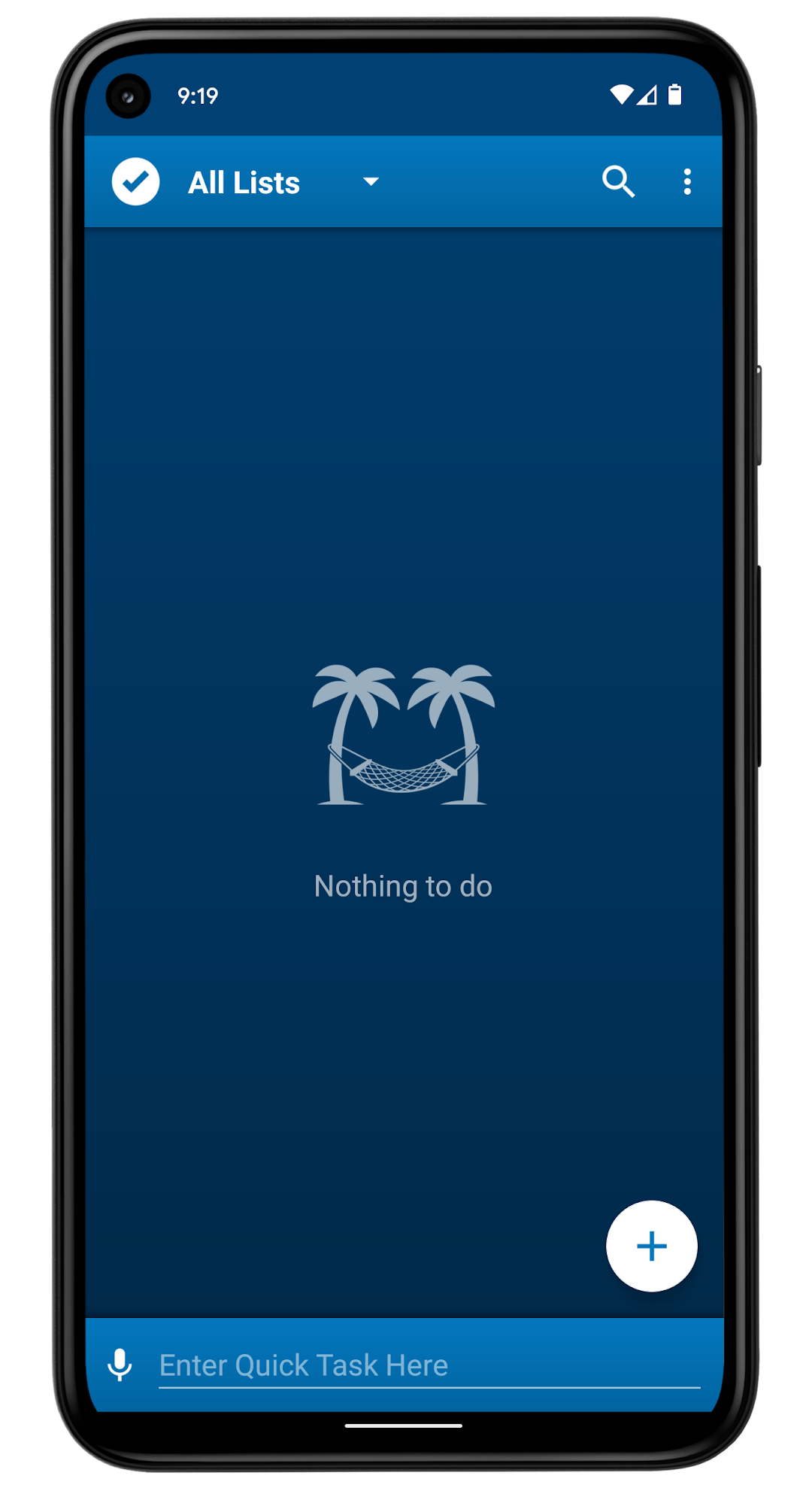
To Do List is a Productivity application developed by Splend Apps, but with the best Android emulator-LDPlayer, you can download and play To Do List on your computer.
Running To Do List on your computer allows you to browse clearly on a large screen, and controlling the application with a mouse and keyboard is much faster than using touchscreen, all while never having to worry about device battery issues.
With multi-instance and synchronization features, you can even run multiple applications and accounts on your PC.
And file sharing makes sharing images, videos, and files incredibly easy.
Download To Do List and run it on your PC. Enjoy the large screen and high-definition quality on your PC!
What is SplenDO?SplenDO is smart task list for everyday use.
It is truly usable with great user experience.
No matter who you are and what you do - you will be better organized!
At home, at work and in your free time - you will focus on really important things!
SplenDO is powerful in its simplicity and convenience of use.
Key Features
• User friendly task management
• Grouping tasks in handy task lists
• Smart home screen widgets show instantly what to do
• Intelligent notifications exactly when you need them
• Syncing with Google that just works
More Details
• Adding tasks via voice
• Notifications use sounds, vibrations and built-in speech synthesizer (TTS)
• Icon widget - icon with optional today's and overdue tasks counter
• List Widget - resizable widget displays upcoming tasks
• Status bar - component (in the notifications area) keeping you up to date
• Quick Task Bar - to add something hot quickly
• Support for recurring tasks
• Time for shopping? Need to add many tasks at one go? Great, batch mode is on-board!
• Support for tasks without a due date, all-day-long tasks and tasks at a specific hour of the day
• Bidirectional synchronization with Google Tasks
• Many useful configuration options
• Predefined task lists
• Actions on group of tasks (bulk actions, long-click selection support)
• Integration with sharing on Android - sharing tasks with other apps and receiving shared data
• Creating tasks from the content of system clipboard
• SplenDO is free to download and use
• Splend Apps support and more!
About Us
• Visit SplendApps.com: http://splendapps.com/
• Our Privacy Policy: http://splendapps.com/privacy-policy
• Contact Us: http://splendapps.com/contact-us
Follow Us
• Facebook: https://www.facebook.com/SplendApps/
• Instagram: https://www.instagram.com/splendapps/
• Twitter: https://twitter.com/SplendApps