
鳳凰旅遊-隨身雲
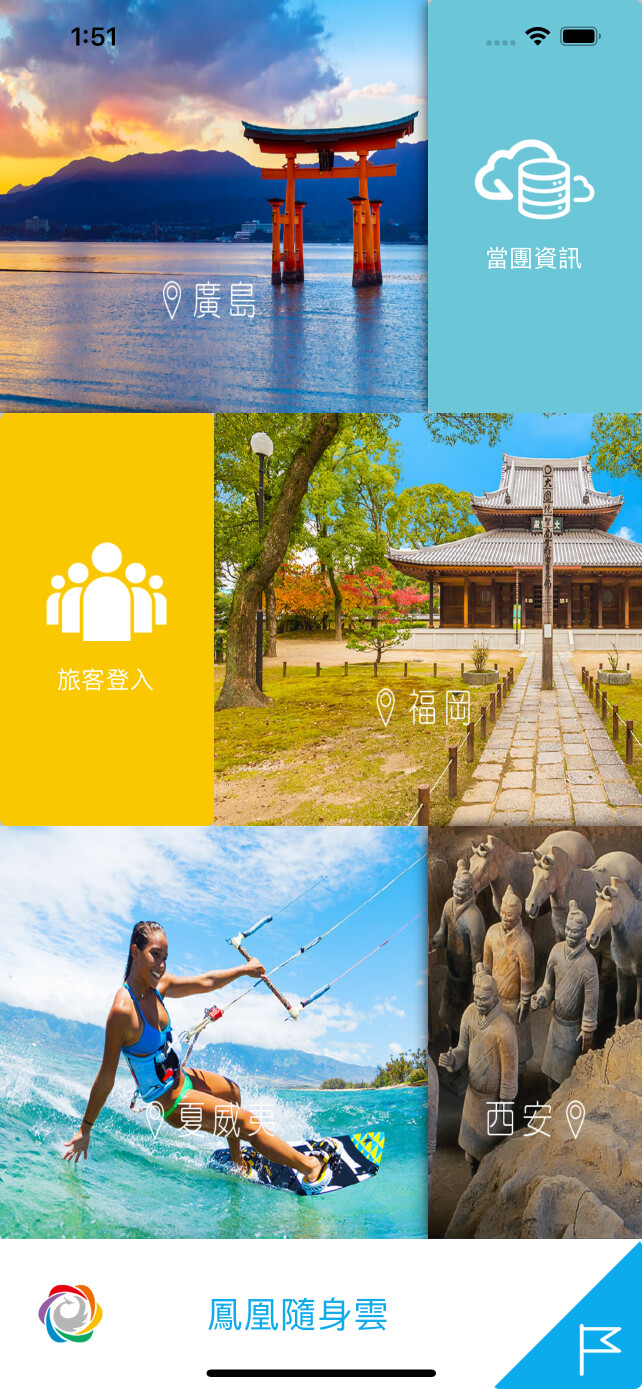
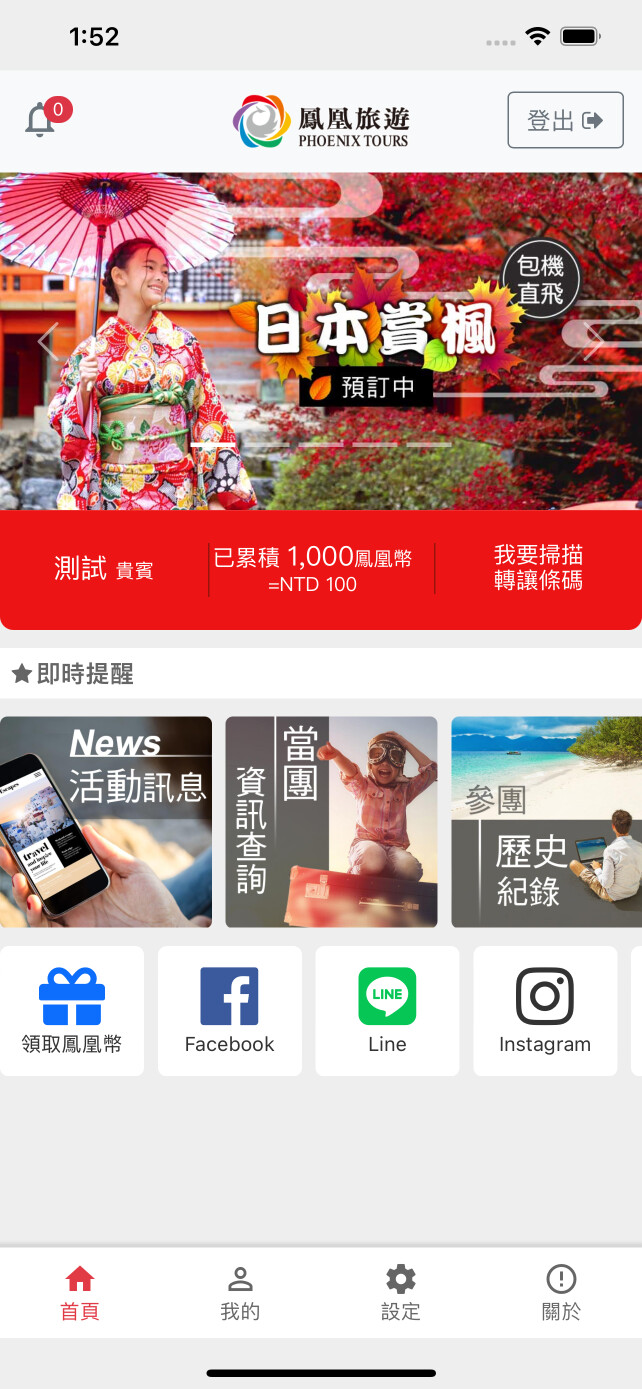
Phoenix is the first to launch the Portable Cloud APP, with various functions including: electronic travel manual, exclusive group reminder, travel photo album, map positioning and introduction to attractions, etc., and will become a good helper for your travel. A good friend who accompanies you to travel all over the world~~Phoenix Travel
鳳凰旅遊-隨身雲 is developed and provided by 鳳凰旅遊. LDPlayer offers the download service only.
Game recommendation





Screenshots and Videos of 鳳凰旅遊-隨身雲 PC
How to Download and Run 鳳凰旅遊-隨身雲 on PC
 1
1Download and install LDPlayer on your computer
 2
2Locate the Play Store in LDPlayer's system apps, launch it, and sign in to your Google account
 3
3Enter "鳳凰旅遊-隨身雲" into the search bar and search for it
 4
4Choose and install 鳳凰旅遊-隨身雲 from the search results
 5
5Once the download and installation are complete, return to the LDPlayer home screen
 6
6Click on the game icon on the LDPlayer home screen to start enjoying the exciting game


