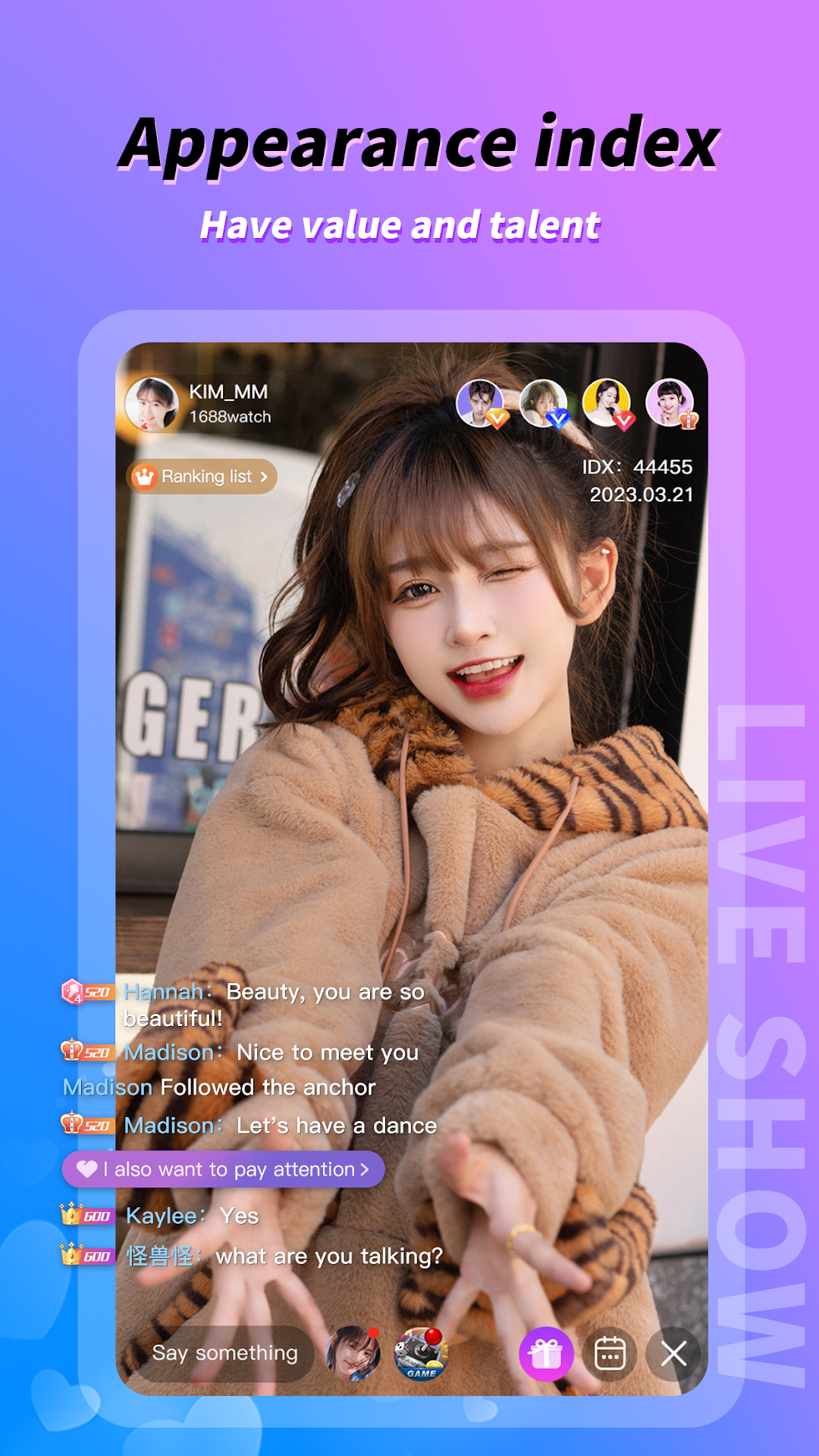
SAMA is a Entertainment application developed by CocoLive, but with the best Android emulator-LDPlayer, you can download and play SAMA on your computer.
Running SAMA on your computer allows you to browse clearly on a large screen, and controlling the application with a mouse and keyboard is much faster than using touchscreen, all while never having to worry about device battery issues.
With multi-instance and synchronization features, you can even run multiple applications and accounts on your PC.
And file sharing makes sharing images, videos, and files incredibly easy.
Download SAMA and run it on your PC. Enjoy the large screen and high-definition quality on your PC!
About the SAMA App 🌟SAMA is an exciting online live streaming app 📹 designed to cater to the tastes and interests of users worldwide 🌎, offering a fresh social and entertainment experience. Wherever you are, SAMA can meet your interactive needs and deliver a variety of captivating content.
Key Features:
International Popular Streamers: SAMA gathers popular streamers from around the world 🌍, bringing you captivating content from different countries and cultures 🗺️, allowing you to explore the globe 🌐.
Real-time Interaction: No longer just an observer 👀, you can directly interact with your favorite streamers through private messages 💬, video chats 📱, and voice chats 🗣️, making the internet feel more accessible than ever.
Multitalented Streamers: Our streamers are brimming with talent and charm 🌟. They sing 🎤, dance 💃, play musical instruments 🎶, and offer various entertaining performances waiting for your participation 💃🕺.
Marvelous Voice Performances: Whether you're fond of sweet, pure voices 🎵, booming subwoofers 📢, or other voice types 🗣️, SAMA can fulfill your audio preferences 🎧, letting you enjoy music and sound anytime 🎼.
Creative Gameplay: Personalize your character with stylish clothing 👗, noble accessories 👑, and embrace an emperor-like 👑, noble experience.
Hot Rankings: With 24/7 live streaming rooms 🕒, intense PK ranking competitions 🏆, non-stop activities 🎉, you can choose your favorite streamers and safeguard your heart ❤️.
SAMA is an international live streaming platform committed to providing users with engaging and diverse interactive content. Regardless of your location 🌏, SAMA offers an unprecedented live streaming experience. Join us now to interact with users worldwide and share the joy! 🌐🤝
--😁SAMA hotline😁--
Whatsapp:+63 935 538 3157
WeChat:czw1003317476
If you have any questions, please feel free to contact us, you’re welcome~