Voyage Age: Pirate Vow is a Adventure application developed by Queensin, but with the best Android emulator-LDPlayer, you can download and play Voyage Age: Pirate Vow on your computer.
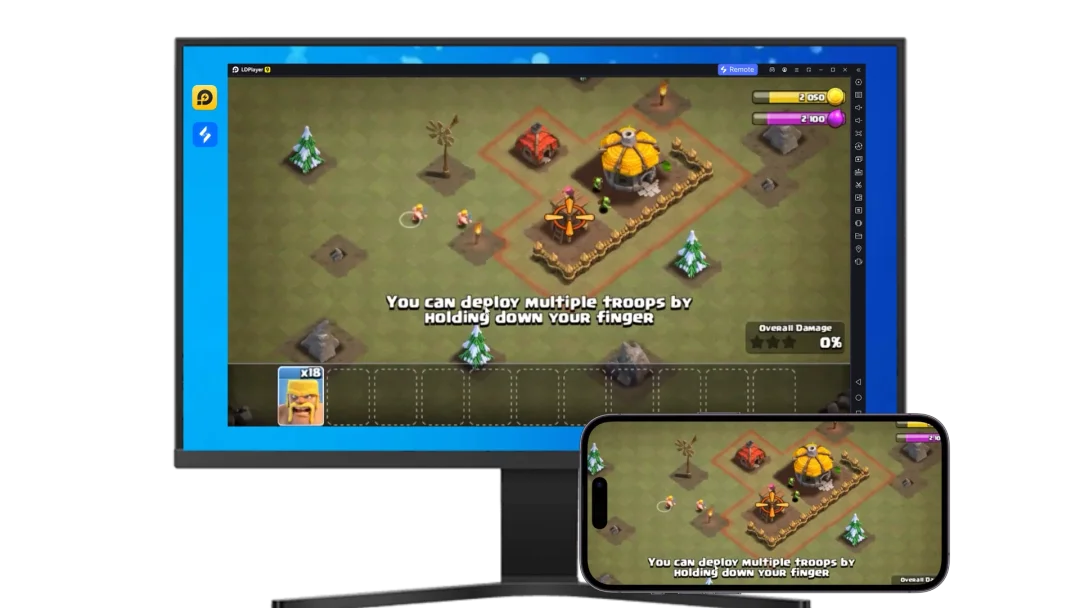
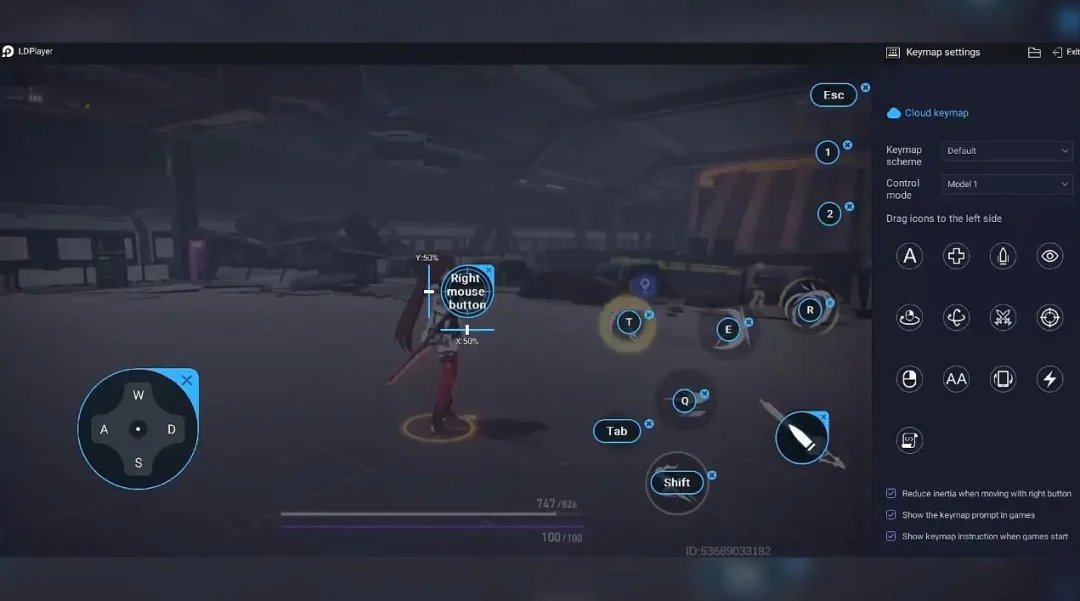
Running Voyage Age: Pirate Vow on your computer allows you to browse clearly on a large screen, and controlling the application with a mouse and keyboard is much faster than using touchscreen, all while never having to worry about device battery issues.
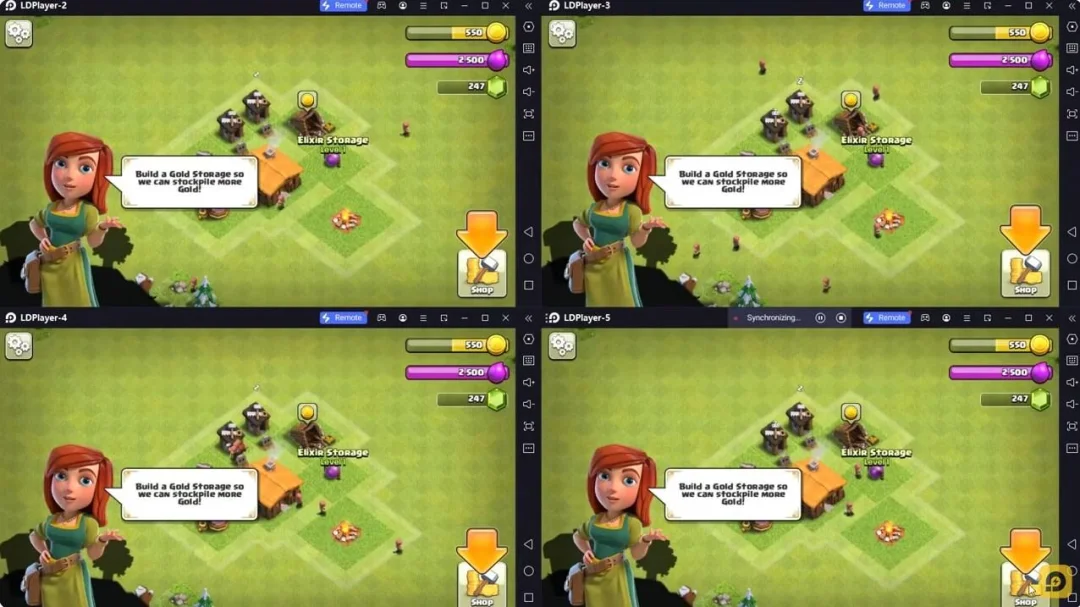
With multi-instance and synchronization features, you can even run multiple applications and accounts on your PC.
And file sharing makes sharing images, videos, and files incredibly easy.
Download Voyage Age: Pirate Vow and run it on your PC. Enjoy the large screen and high-definition quality on your PC!
Dreams never stay on the shore.When the horn sounds, countless adventurers set sail for unknown seas in search of legendary treasures and glory.
Meet Partners, form a Pirates crew, command your own ships, and challenge powerful foes. Rise from an unknown rookie to a legendary captain who rules the seas.
Game Features:
==Recruit · Cultivate Partners==
Recruit through Faction Recruitment, Wish Pool, and Ship Recruitment. Upgrade, Breakthrough, Engraving, Equipment, and Awaken your Partners, activate Bonds, and build your ultimate lineup.
==Classic Battles · Challenging Dungeons==
Relive iconic adventures through Impel Down, Sea Train, Path of the Strong, and more. Clear stages, climb towers, and challenge dungeons to earn Equipment, Star Charts, and resources.
==Pirates Cooperation · Grow Together==
Join a Pirates crew, donate Shards, build territory, challenge Trial Bosses, and unlock Tech. Grow stronger together and raise your flag across the seas.
==Cross-Server Battles · Challenge the Strong==
Battle in Island Warfare, Cross-Server Arena, 3v3 Battles, and Marineford War. Face top players, compete for sea resources, and challenge the strongest.
The storm still rages beyond the horizon, and new routes await.
Your Partners are ready. Your sails are raised.
Swear your pirate oath, set sail into the unknown, and begin your grand adventure!