Texas Hold'em Poker: Pokerist is a Card application developed by KamaGames, but with the best Android emulator-LDPlayer, you can download and play Texas Hold'em Poker: Pokerist on your computer.
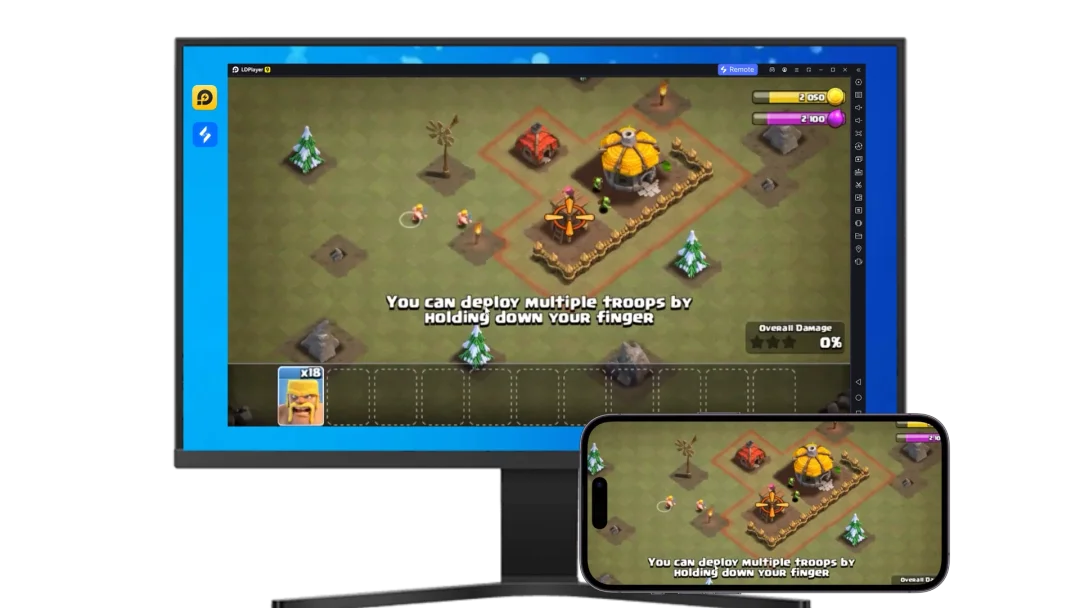
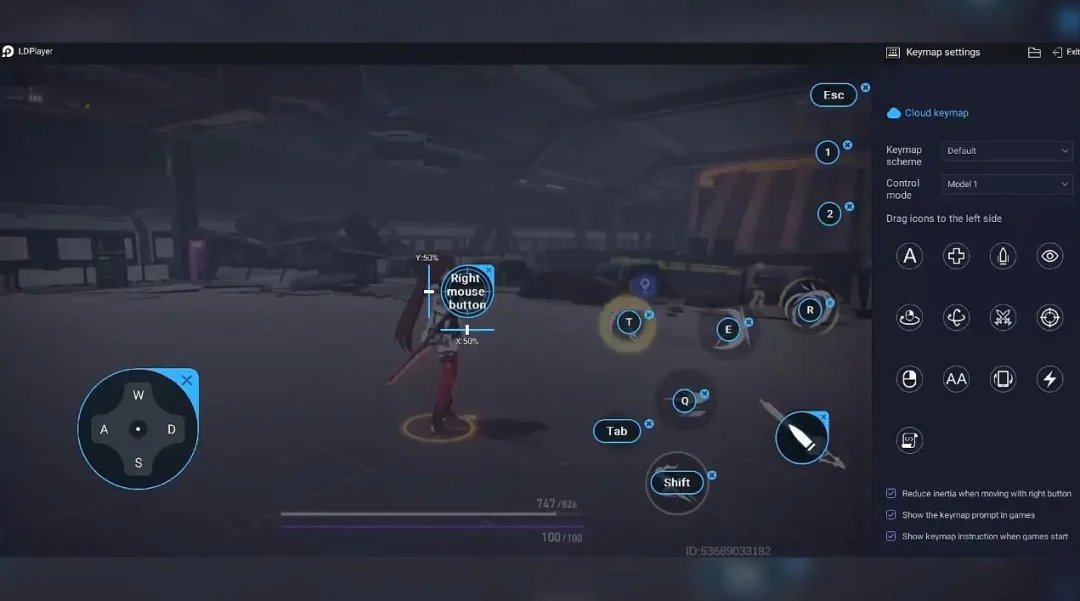
Running Texas Hold'em Poker: Pokerist on your computer allows you to browse clearly on a large screen, and controlling the application with a mouse and keyboard is much faster than using touchscreen, all while never having to worry about device battery issues.
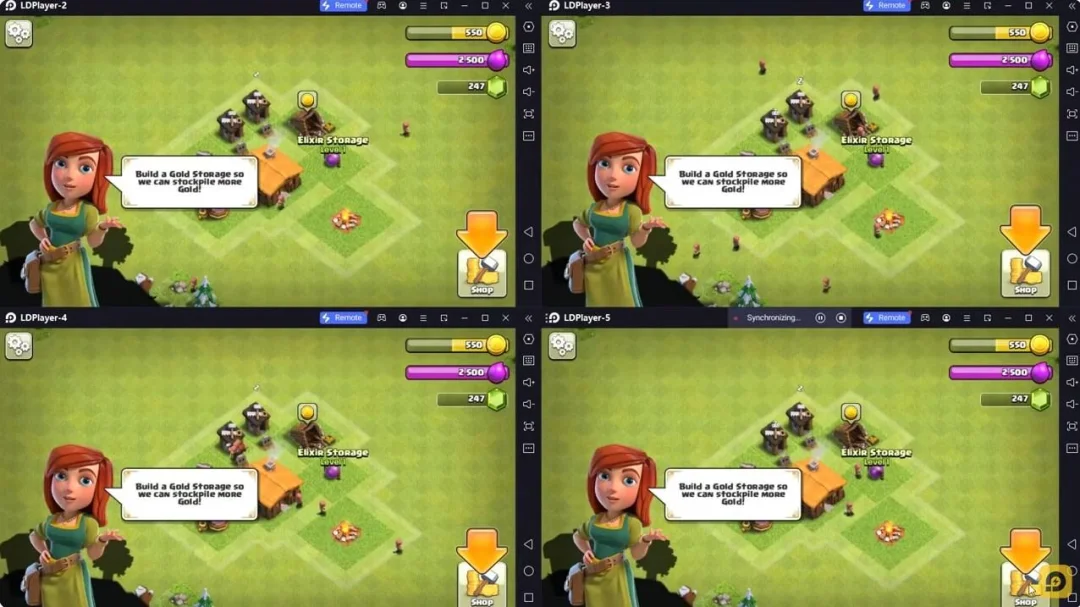
With multi-instance and synchronization features, you can even run multiple applications and accounts on your PC.
And file sharing makes sharing images, videos, and files incredibly easy.
Download Texas Hold'em Poker: Pokerist and run it on your PC. Enjoy the large screen and high-definition quality on your PC!
Pokerist is a free-to-play multiplayer poker game with Texas Hold'em, Omaha, tournaments, and realistic 3D poker tables. Use virtual chips to play with friends or join millions of players worldwide, and choose between casual and competitive poker modes. Whether you're new to Texas Hold'em or an experienced poker player, discover different poker games and tournament formats, compete with real players, and enjoy an immersive poker-table experience.Why choose Pokerist?
FREE & CASUAL POKER: Play Texas Hold'em for fun without risking real money. Collect free chips every day, and jump into a table for a quick game or stay for a longer poker session. Want to start right away? Choose guest mode and play without registering. Pokerist uses virtual chips and combines casual, low-pressure poker with plenty of modes, tournaments, and events when you want more to do.
SOCIAL & MULTIPLAYER POKER: Join live multiplayer poker tables and play in real time with millions of players from around the world. Play poker with friends, invite them to join you at the tables, or meet other poker fans as you play. Chat, exchange gifts, customize your profile, and compete on leaderboards.
REALISTIC 3D POKER EXPERIENCE: Enjoy familiar Texas Hold'em gameplay with real players, detailed 3D tables, and smooth animations. Experience the atmosphere and feel of a traditional poker table while playing with virtual chips.
TOURNAMENTS & COMPETITIVE PLAY: Test your skills in Sit'n'Go tournaments, Multi-Table Tournaments (MTT), and fast-paced Boost Poker. Compete against other players, climb the leaderboards, and choose between quick tournament sessions and larger multi-table competitions. Play different poker tournament formats and find the level of competition that suits how you want to play.
POKER GAMES, MODES & VARIANTS: There's more than one way to play poker in Pokerist. Play classic Texas Hold'em and Omaha Poker, try Poker Party tables with unusual rules, jokers, and special powers, or explore Video Poker, Ultimate Texas Hold'em, Three Card Poker, Pai Gow Poker, Bet on Poker, Let it Ride Poker, and Caribbean Poker. From traditional poker games to alternative variants and experimental modes, Pokerist gives you plenty of ways to play poker in one app.
POKER FOR BEGINNERS: New to Texas Hold'em? Pokerist makes it easy to start playing. Follow a simple tutorial to learn the basic flow of the game, then practice at the tables with virtual chips and real players. Get comfortable with Texas Hold'em at your own pace before moving on to tournaments and more competitive poker modes.
PLAY ACROSS MOBILE & DESKTOP: Play Pokerist wherever you want: on your phone, tablet, or PC via Steam. Use the same account across devices, keep your progress when you switch platforms, and play in the same shared player pool on mobile and desktop. Jump into a quick game on the go, then continue on a bigger screen at home.
REWARDS & VIP PROGRAM: Collect daily rewards, unlock achievements, and join the VIP program for exclusive bonuses and tables.
FAIR & SECURE PLAY: Pokerist uses a certified Random Number Generator (RNG) and security measures designed to support fair play.
Pokerist is intended for those aged 21 and older for amusement purposes only and does not offer real-money gambling or an opportunity to win real money or real prizes. Success in playing this game does not imply your success in a similar real-money casino game.
Pokerist does not require payment to download and play, but it does allow you to purchase virtual items with real money in the game. Pokerist may contain advertising.
Terms of Service: https://wisewaveltd.com/terms-of-use
Privacy Policy: https://wisewaveltd.com/privacy-policy
Published by Wise Wave Corporation Limited
Unit 2104, Mongkok Commercial Centre, 16 Argyle Street, Mongkok, Kowloon, Hong Kong