Secret Tiles - Spicy Reels is a Casual game developed by MOHAMED NABIL MOHAMED ANWAR ELEWA. LDPlayer is the best platform for playing Secret Tiles - Spicy Reels on Windows PC, offering powerful features to enhance your immersive experience in Secret Tiles - Spicy Reels.
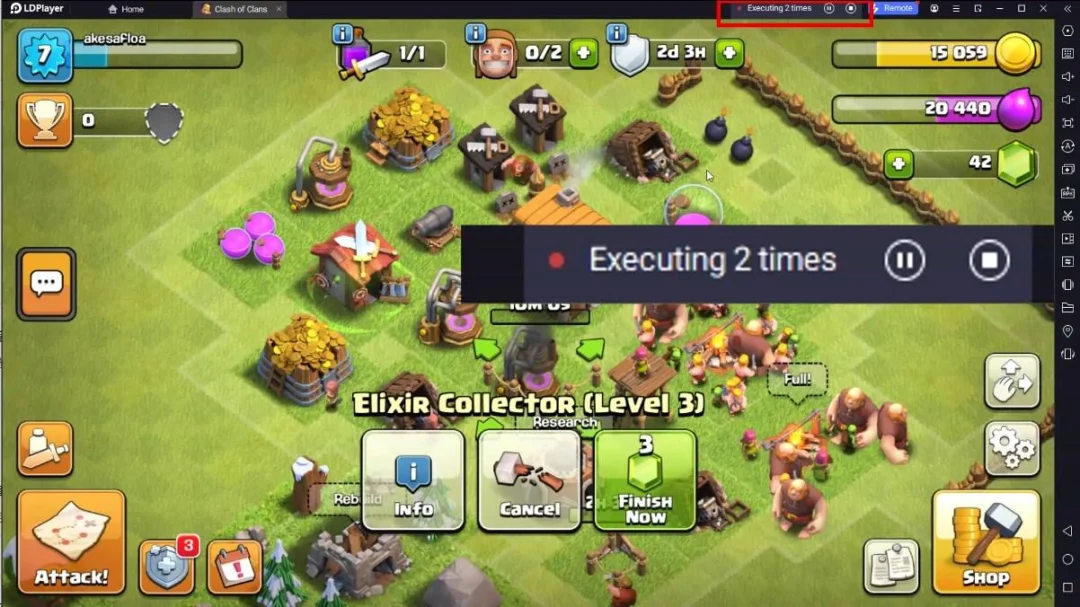
When playing Secret Tiles - Spicy Reels on your computer, if you find repetitive actions or tasks tedious and time-consuming, fret not! Macro can alleviate your concerns. Simply record your actions with a click of the screen recording feature and let macros take care of the rest. Macros automate your operations, allowing you to effortlessly conquer the game with minimal effort! Start downloading and playing Secret Tiles - Spicy Reels on your computer now!
Enjoy a relaxing match-3 tile game that feels like scrolling a personalized short‑video feed – but every clip, every theme, and every girl is just for you.Clear simple Tile in 3 puzzles to unlock short videos and follow the stories of girls from different styles and worlds.
Easy tile-matching, growing challenge
Drag and match 3 tiles to clear the board. As you advance, new mechanics and smarter layouts keep each level engaging.
Multiple themes, many types of girls
Explore distinct themes, each with its own look and cast:
Western girls – island divers, bar queens, street‑style rebels…
Asian girls – soft and sweet, sporty and energetic, cute maids…
Anime-style girls – superheroines, chibi cuties, and fantasy-inspired characters…
Every theme feels different, with unique visuals and personalities.
Unlock short videos, discover her world
Each milestone unlocks a fresh clip or story scene, revealing how she lives, what she hides, and what she really feels.
Branching stories, follow your type
Every girl has her own route and ending. Focus on your favorite, or jump between themes to complete your entire “crush collection”.
Perfect for quick sessions
Short stages make it ideal for a few minutes on the train, before bed, or during a break – relax with puzzles while steadily unlocking more girls and more stories.
If you love casual match‑3 games and want Western, Asian, and anime‑style heroines all in one place, this is your private short‑video story library to explore.