Hangman with Hints is a Word application developed by micro.tools, but with the best Android emulator-LDPlayer, you can download and play Hangman with Hints on your computer.
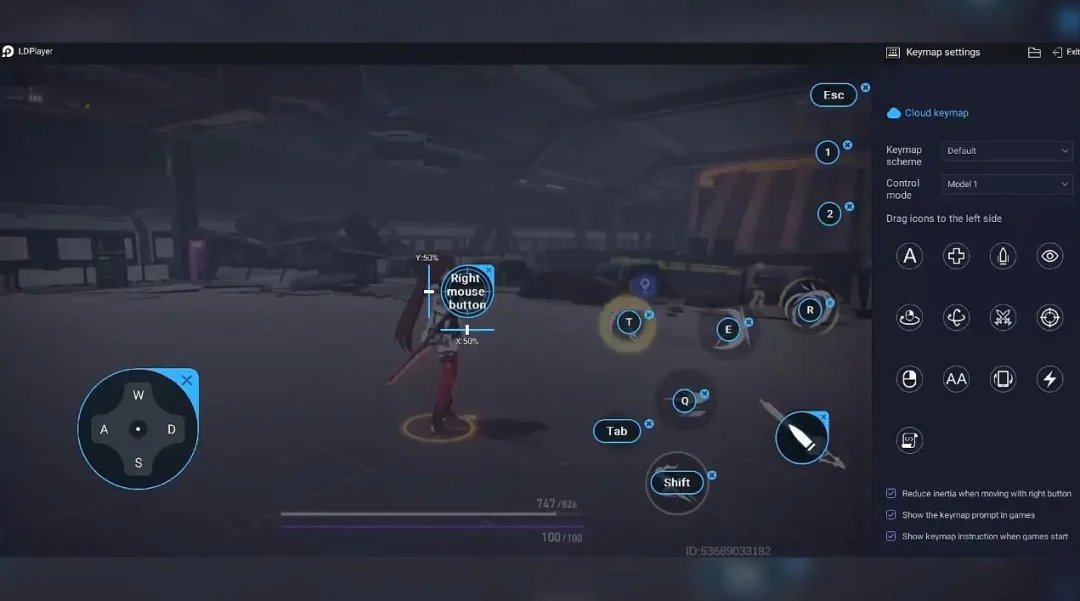
Running Hangman with Hints on your computer allows you to browse clearly on a large screen, and controlling the application with a mouse and keyboard is much faster than using touchscreen, all while never having to worry about device battery issues.
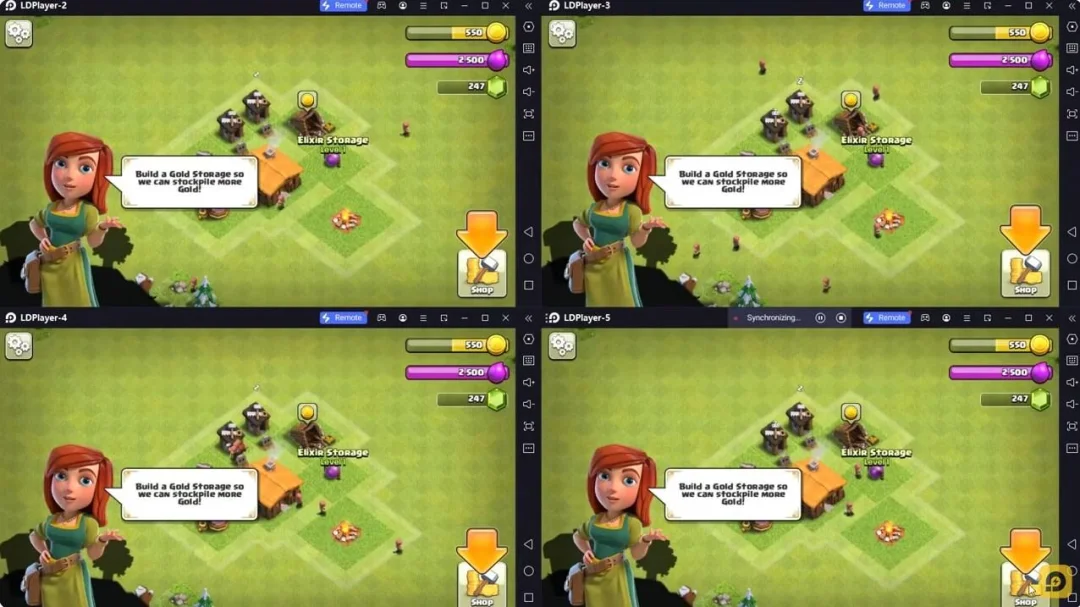
With multi-instance and synchronization features, you can even run multiple applications and accounts on your PC.
And file sharing makes sharing images, videos, and files incredibly easy.
Download Hangman with Hints and run it on your PC. Enjoy the large screen and high-definition quality on your PC!
Paper Hangman is a classic hangman word game with a beautiful paper-style design, helpful hints, and offline play. Guess letters, solve hidden words, and challenge your vocabulary across 15 categories.If you enjoy word games, spelling games, trivia, crossword-style puzzles, or brain training games, Paper Hangman offers a simple and satisfying way to play anytime.
Why players like Paper Hangman:
• Classic hangman gameplay with smooth modern controls
• Paper-style visuals and satisfying letter animations
• Helpful hints when you get stuck
• 15 knowledge categories
• 1500+ levels with steady progression
• Offline play, no internet required
• Relaxing, clean design with easy-to-read word puzzles
How to play:
Choose letters to reveal the hidden word. Each correct guess fills in the blanks, while each wrong guess brings the hangman drawing closer to completion. Use a hint to reveal a letter and keep moving forward.
Categories include:
• Countries
• Movies
• Books
• Famous People
• Food
• Art
• History
• Nature
• Space
• Sports
• Technology
• Fashion
• Places
• Music
• Mythology
Paper Hangman is designed for players who enjoy:
• Hangman games
• Word puzzle games
• Offline word games
• Spelling and vocabulary games
• Brain training challenges
• Casual logic and guessing games
Progress through more than 1500 levels on a clear roadmap and keep improving your vocabulary as the challenge increases. Whether you want a quick word puzzle break or a longer session, Paper Hangman is easy to pick up and hard to put down.
Download Paper Hangman and enjoy a refined offline hangman game with hints, categories, and hundreds of words to solve.