Games for Verity is a Simulation application developed by Kids Games LLC, but with the best Android emulator-LDPlayer, you can download and play Games for Verity on your computer.
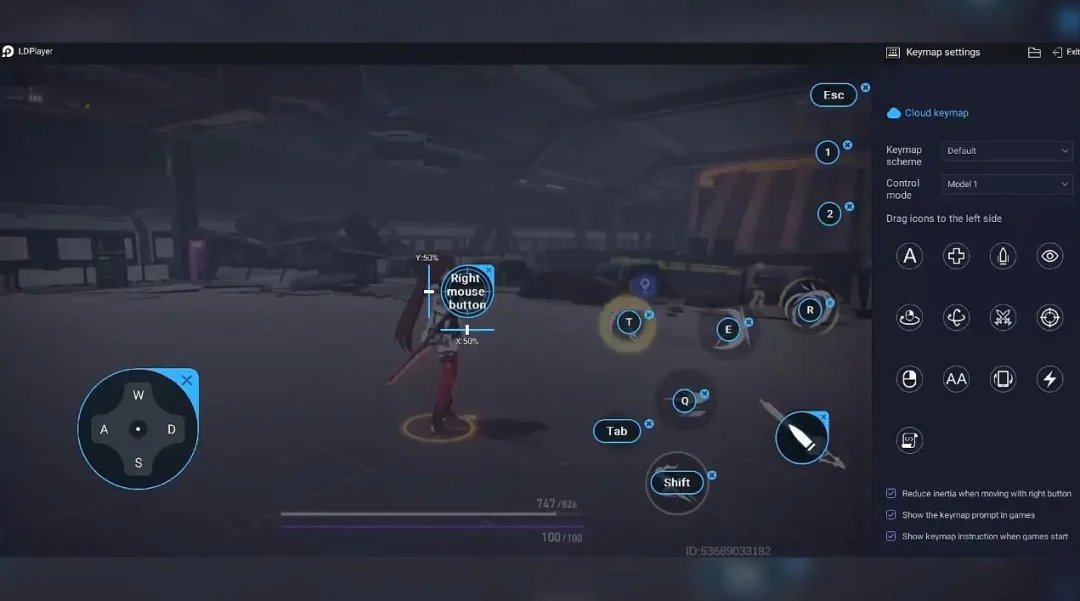
Running Games for Verity on your computer allows you to browse clearly on a large screen, and controlling the application with a mouse and keyboard is much faster than using touchscreen, all while never having to worry about device battery issues.
With multi-instance and synchronization features, you can even run multiple applications and accounts on your PC.
And file sharing makes sharing images, videos, and files incredibly easy.
Download Games for Verity and run it on your PC. Enjoy the large screen and high-definition quality on your PC!
Games for Verity is a story-driven horror adventure game about exploring a mysterious house and finding a way out. Search rooms for clues, collect useful items and solve connected puzzles to prepare your escape car. A strange companion follows your journey, but his changing mood can turn exploration into a dangerous chase.EXPLORE THE MYSTERIOUS HOUSE
Explore the house from a first-person perspective, then venture upstairs and into the yard, shed and garage. Each location is part of the same escape: a clue in one room can lead you to an object you need elsewhere. Learn the routes, examine your surroundings and return to unfinished puzzles with new discoveries.
SOLVE CONNECTED INVENTORY PUZZLES
Follow a chain of discoveries instead of solving isolated riddles. Find a crank and work out where to use the winch. Search for a battery and fuel as you uncover the steps needed to get the car ready. Examine clues, choose the right tool for each obstacle and revisit earlier locations to move your escape forward.
FACE YOUR CHANGING COMPANION
Listen to your guest's dialogue and warnings as you explore. Watch his mood and keep him near light. When he becomes a monster, use your knowledge of the house to reach safety. Take a shortcut through a low passage while he follows a longer route.
FIND SAFETY IN THE LIGHT
Your route through the house leads outside, where wood and matches can help you restore a safe place in the yard. Gather what you need, light the fire and use its light to calm your companion. With the danger under control, continue your search for the items needed to escape.
PREPARE YOUR ESCAPE
The car in the garage is your way out, but you must get it ready before you can leave. Bring back the battery and fuel, use the tools you have found and complete the preparations. Put your discoveries together to finish your journey through the house and make your escape.
A first-person 3D horror adventure with a voiced companion and controls designed for mobile play. Search, listen and piece together the steps of your escape as you explore the house and its surroundings.