FlightQ: Daily Geography Game is a Trivia application developed by FlightQ LLC, but with the best Android emulator-LDPlayer, you can download and play FlightQ: Daily Geography Game on your computer.
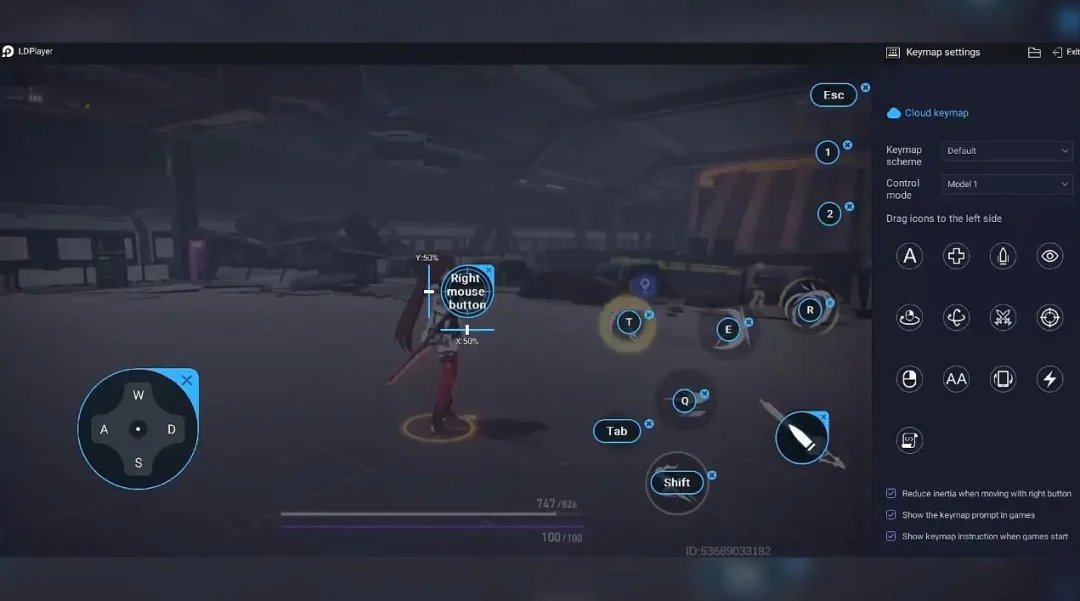
Running FlightQ: Daily Geography Game on your computer allows you to browse clearly on a large screen, and controlling the application with a mouse and keyboard is much faster than using touchscreen, all while never having to worry about device battery issues.
With multi-instance and synchronization features, you can even run multiple applications and accounts on your PC.
And file sharing makes sharing images, videos, and files incredibly easy.
Download FlightQ: Daily Geography Game and run it on your PC. Enjoy the large screen and high-definition quality on your PC!
Think you know the world? Prove it with one quick guess a day.FlightQ is a family of free daily geography games - part map quiz, part travel trivia - about flights, cities, trains, and maps. Read the clues, make your guess, and see how close you got. No expertise needed, just a little curiosity. Sixteen fresh puzzles drop every day, with streaks to protect and scores worth sharing.
16 NEW PUZZLES EVERY DAY
- SkyQ: guess the mystery flight route from airport clues
- Strata: name the city as bare 3D terrain reveals layer after layer
- Mapfold: every question folds the map in half
- Vector: pin where a real flight lands, or where it is right now
- PassportQ: pin down the mystery city from distance, elevation, and culture
- CityQ: fill the 3x3 grid where every city fits its row and column
- Flyover: guess the country from the airplane window
- AirportQ: name the airport from the map of cities it flies to
- AirlineQ: guess the airport from the airlines that serve it
- PlaneQ: guess the aircraft from the airlines that fly it
- Headcount: draw one loop on the map to circle a target population
- Layover: build a real multi-leg route to the day's airport on a budget
- Getaway: book real flights leg by leg and get as far as your budget allows
- TransitQ: guess the city from a single metro line
- RailQ: guess the real train route from travel clues
- RailPass: cross Europe on the real train timetable
ENDLESS MODES, ANYTIME
- Geo Blackjack: draw city cards and stand near 21 million without busting
- HigherQ: higher or lower on city stats
- HigherQ Aviation: higher or lower on real flight data
- Chain: name a matching city every 30 seconds without slipping
- Customs: crack the hidden rule, then approve or deny each city at the border
- Outsider: spot the one place that breaks the hidden rule
- Borderline: chain countries and states that share a border
- Contrail: snake across a map of real cities
- Archive: replay any past daily puzzle
REAL TRAVEL TOOLS BUILT IN
- Where Can I Fly: pick any airport and filter its nonstop route map
- 7,800+ airport guides and 900+ airline profiles
- Airline seat maps and cabin layouts
- Aircraft specs, operators, and side-by-side comparisons
- Flight routes with real travel times and scheduled airlines
- Trip builder for multi-city itineraries
BUILD YOUR STREAK AND PASSPORT
Keep daily streaks alive, track your full game history, and stamp a personal passport of every place you guess right. Make it public to share your travel footprint.
CHALLENGE YOUR FRIENDS
Every game ends with a spoiler-free result you can post and dare friends to beat. See who really knows the world.
PLAY YOUR WAY
Light and dark themes, 19 languages, and puzzles that take a couple of minutes each. Perfect for a coffee break, a commute, or a family face-off.
Free to play. Sign in to sync streaks and stats across devices.