Fishfolk Voyage is a Simulation application developed by Gimdeka, but with the best Android emulator-LDPlayer, you can download and play Fishfolk Voyage on your computer.
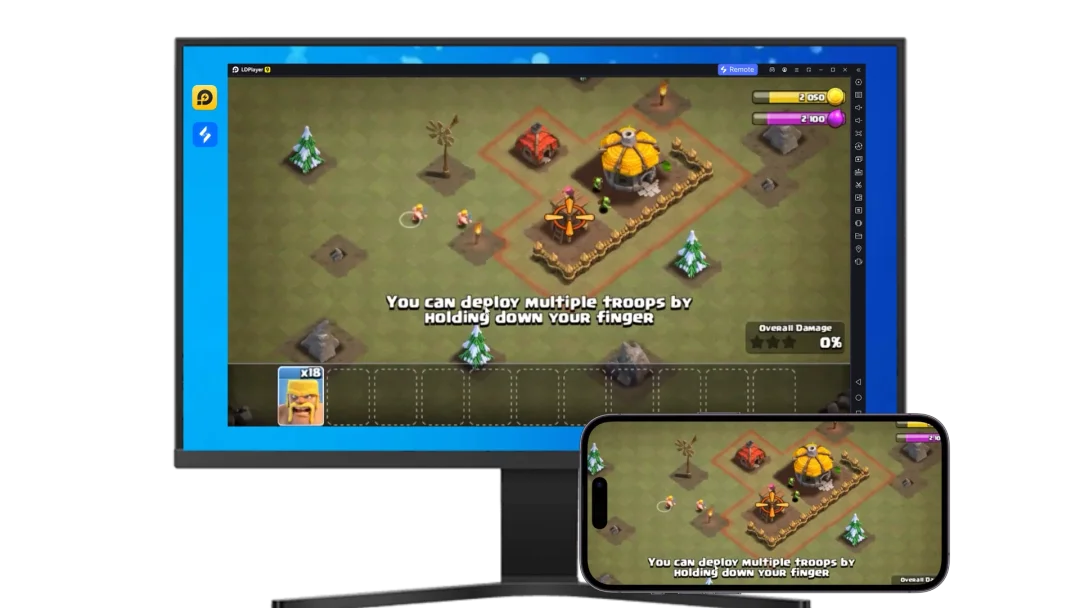
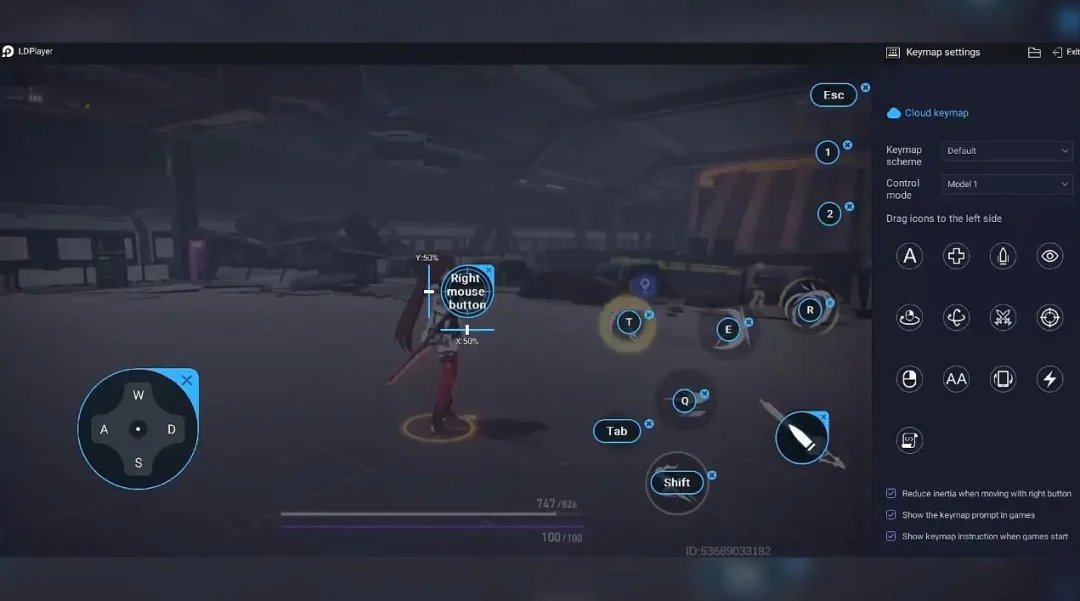
Running Fishfolk Voyage on your computer allows you to browse clearly on a large screen, and controlling the application with a mouse and keyboard is much faster than using touchscreen, all while never having to worry about device battery issues.
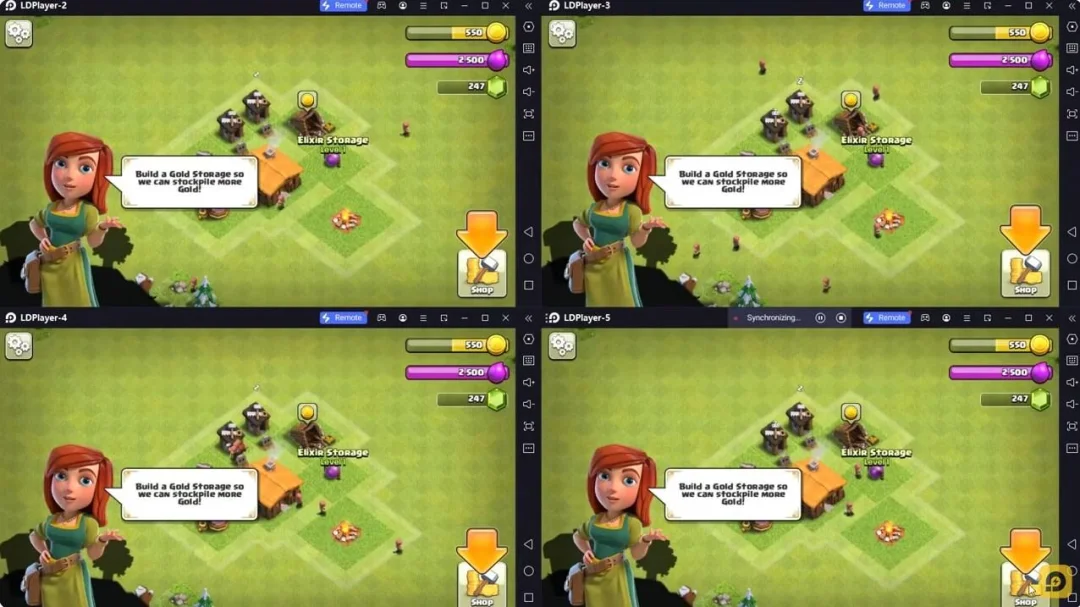
With multi-instance and synchronization features, you can even run multiple applications and accounts on your PC.
And file sharing makes sharing images, videos, and files incredibly easy.
Download Fishfolk Voyage and run it on your PC. Enjoy the large screen and high-definition quality on your PC!
Set sail in Fishfolk Voyage, a cozy fishing expedition game about planning short sea trips, catching valuable fish, returning to lively docks, and upgrading your boat into a thriving fishing operation.⚓ Sail Across Cozy Waters
Guide your boat through different fishing biomes, each with its own catch opportunities, route decisions, and reward potential.
🎣 Catch Fish With Your Crew
Watch your crew fish over time while you manage storage, energy, trip timing, and when to return to dock.
🏝️ Explore Fishing Biomes
Travel between shallow seas, rivers, lakes, estuaries, and colder mountain waters as you search for better catches.
🛶 Upgrade Your Boat
Improve storage, energy, crew capacity, fishing efficiency, and dock economy to make every voyage more rewarding.
🏘️ Return To Lively Docks
Sell your catch, collect gold, hire helpful crew, complete dock requests, and prepare for your next trip.
✨ Relaxed Premium Progression
Fishfolk Voyage is designed as a premium mobile game with no ad breaks, no pay-to-win pressure, and no consumable currency grind.
Plan your route, trust your crew, fill the hold, and return with a catch worth celebrating.
Features
🎣 Crew-driven fishing across multiple zones
⚓ Cozy sailing and route planning
🐟 Valuable fish, rare catches, and biome variety
🛶 Boat upgrades for longer and better trips
🏘️ Dock selling, gold collection, and requests
✨ Premium game design with no ads or pay-to-win pressure