Bruno Reels Slots Game is a Arcade application developed by DIETER LLOYD MARKETING CONSULTANCY LTD, but with the best Android emulator-LDPlayer, you can download and play Bruno Reels Slots Game on your computer.
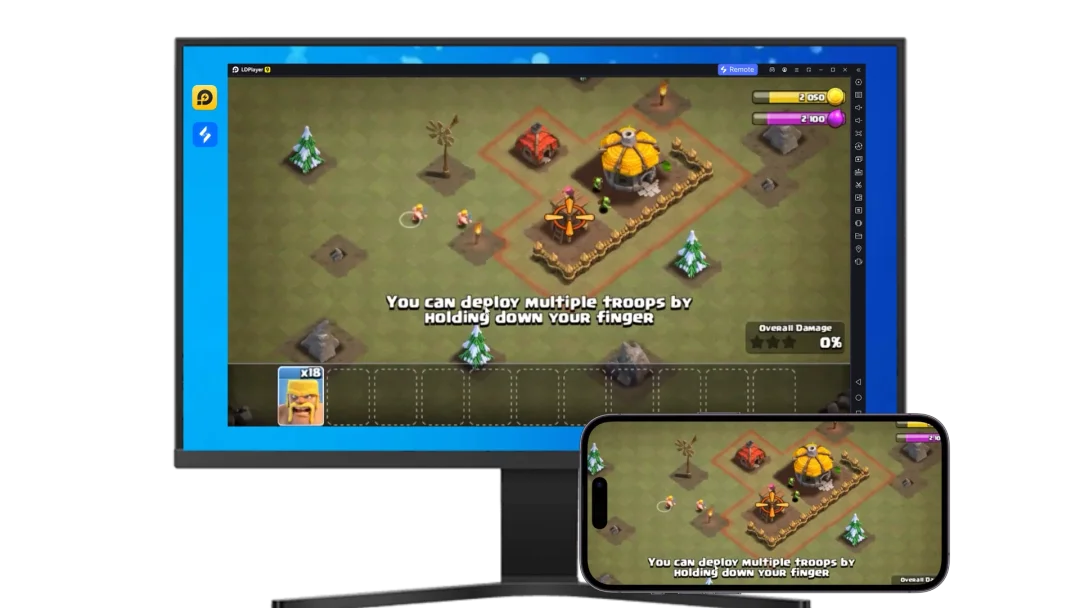
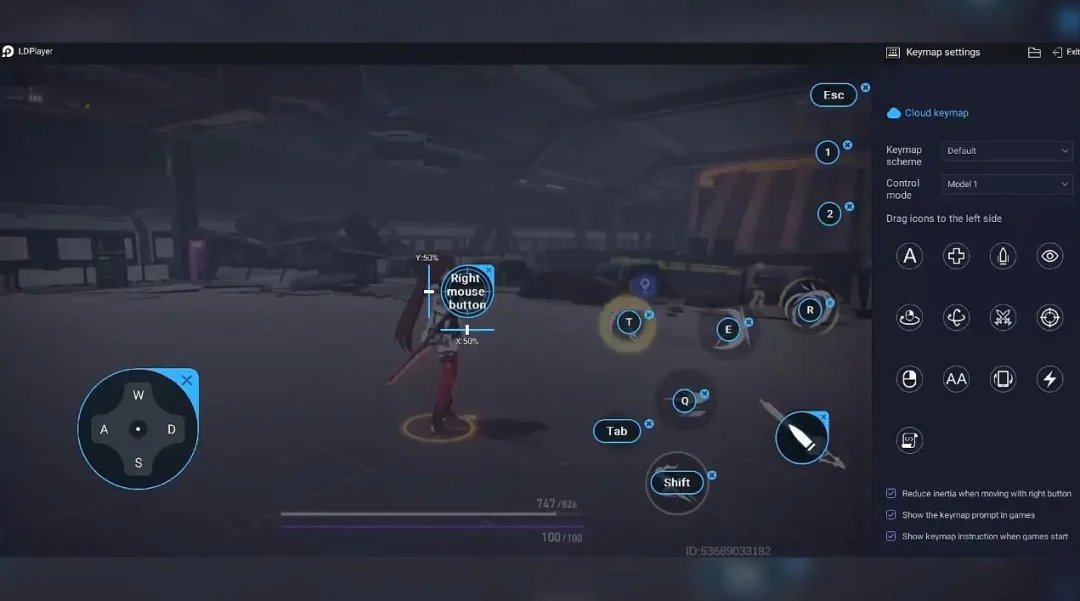
Running Bruno Reels Slots Game on your computer allows you to browse clearly on a large screen, and controlling the application with a mouse and keyboard is much faster than using touchscreen, all while never having to worry about device battery issues.
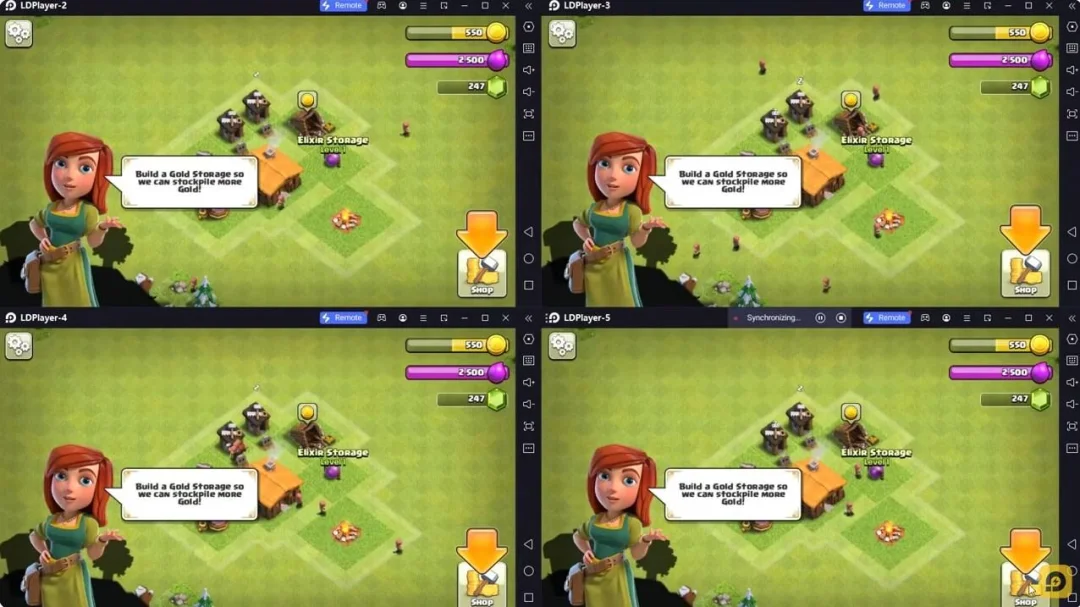
With multi-instance and synchronization features, you can even run multiple applications and accounts on your PC.
And file sharing makes sharing images, videos, and files incredibly easy.
Download Bruno Reels Slots Game and run it on your PC. Enjoy the large screen and high-definition quality on your PC!
Bruno Reels slots gives you quick reel play, simple spins, and casino-style fun made for casual players. Pick a slot game, tap spin, and collect virtual coins as the reels move.The Bruno Reels slots experience is easy to follow from the first round. The layout is clear. The controls are smooth. You can play short sessions or stay longer when you want more casino-style entertainment.
With Bruno Reels slots, daily rewards help keep each visit useful. Log in to claim virtual coins, free spins, and bonus offers. These rewards support steady play without making the game feel complicated.
Bruno Reels slots casino themes give you different reels to try. You can enjoy classic slot designs, modern symbols, and simple bonus rounds. Each game is built for clear play and smooth mobile performance.
Daily play in Bruno Reels slots can bring event tasks, reward challenges, and virtual jackpot moments. Complete simple goals, collect more coins, and try fresh features as new content appears.
Bruno Reels slots jackpot features are for entertainment only. The app includes casino-style spins, bonus rounds, and virtual rewards. It does not promise win cash, real money, or real cash prizes.
Bruno Reels slots also keeps the game fresh with updates, seasonal events, and new slot content. You can return for more reels, more tasks, and more ways to enjoy virtual rewards at your own pace.
Keep coming back to Bruno Reels slots for easy gameplay, smooth spins, and a clear reward loop built for mobile fun. Disclaimer: Bruno Reels Slots Game does not offer real money gambling. All coins, rewards, free spins, bonus rounds, and jackpots are virtual only. Players cannot win real money, win cash, real cash, cash prizes, or anything of monetary value through this game.