Home/

Games/

Role Playing/

Abyssbound-magic rpg game

Abyssbound-magic rpg game
0.05+

Abyssbound-magic rpg game

Enter a dark fantasy world, battle fierce monsters, and conquer powerful bosses

Play on PC with LDPlayer
recommend

Hxiang game

How to Download&Play Abyssbound-magic rpg game on PC?
Last Updated: 2026-09-26
com.anheics.miggame
  • Overview

  • FAQ

Use LDPlayer to Play Abyssbound-magic rpg game on PC

Abyssbound-magic rpg game is a Role Playing game developed by Hxiang game, and LDPlayer is the best platform for playing Abyssbound-magic rpg game on Windows PC, offering powerful features for an immersive experience.

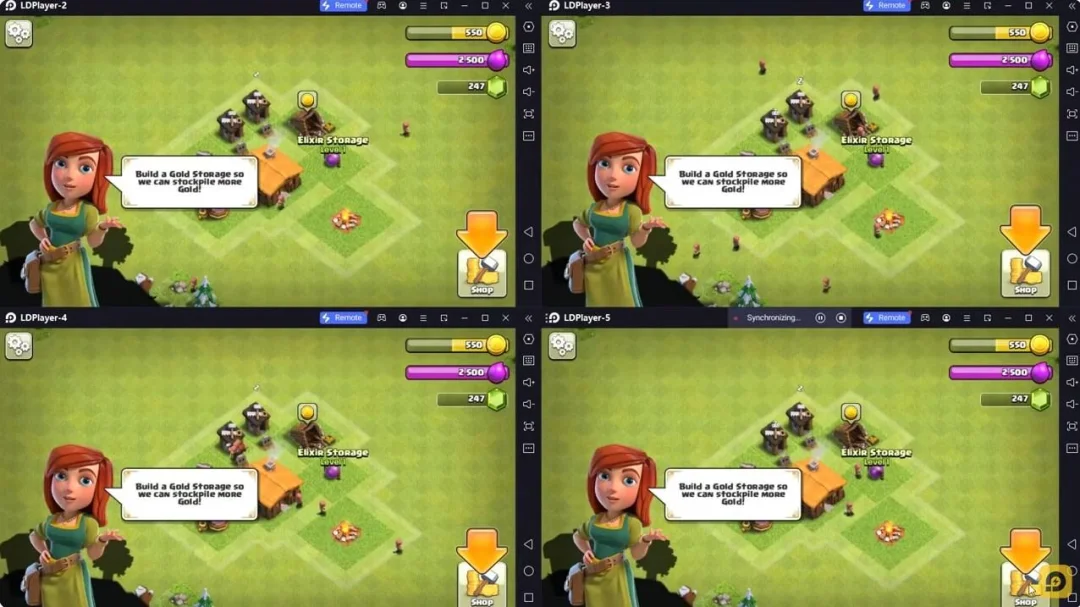
When playing Abyssbound-magic rpg game on PC, as a new player looking to start with a fresh account, the multi-instance and sync features are extremely useful for rerolls. You can use them to run multiple instances and begin the synchronization process. Bind your account until you draw the desired heroes.

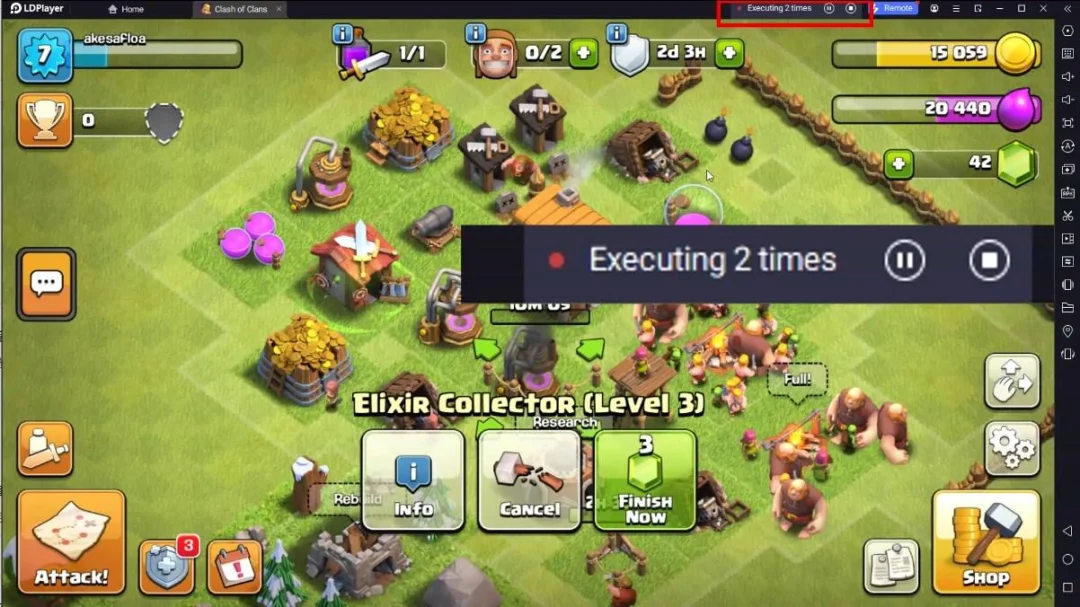
In addition, operation recorder is great for games that require you to level up and complete tasks! Run the sync and record your actions, then repeat the main instance's actions in real-time. By doing so, you can run 2 or more accounts simultaneously. You can always get the heroes you want before others by faster rerolls and more efficient summoning! Start downloading and playing Abyssbound-magic rpg game on your computer now!

Embark on an epic journey, explore mysterious lands, battle fearsome creatures, and challenge powerful bosses. Build your heroes, master powerful abilities, and fight your way through countless dangers.

Epic Fantasy Adventure
Explore a mysterious world filled with dark forces, ancient secrets, and thrilling adventures.

Fast-Paced Battles
Take on fierce enemies and unleash powerful skills as you fight through challenging battles.

Powerful Bosses
Face terrifying bosses and prove your strength in intense battles. Only the strongest heroes can overcome every challenge.

Explore a Dangerous World
Adventure through mysterious lands, discover new challenges, and uncover the secrets hidden within the darkness.

Grow Stronger, Fight Furthe
Upgrade your heroes, strengthen your team, and keep pushing your limits as increasingly powerful enemies await.

The darkness is spreading. Your adventure begins now.

Are you ready to enter the world of dark fantasy and fight your way to glory?
Open up

Screenshots and Videos of Abyssbound-magic rpg game PC

Experience a wider field of view, exquisite game graphics, and cooler combat skills and effects by downloading and playing Abyssbound-magic rpg game on PC with LDPlayer. Enjoy the ultimate gaming experience with LDPlayer.

Why Play Abyssbound-magic rpg game on PC with LDPlayer?

LDPlayer offers unique emulator features including multi-instance support, macros, operation recorder, and other functions not available on mobile devices.

Multi-Instance & Sync

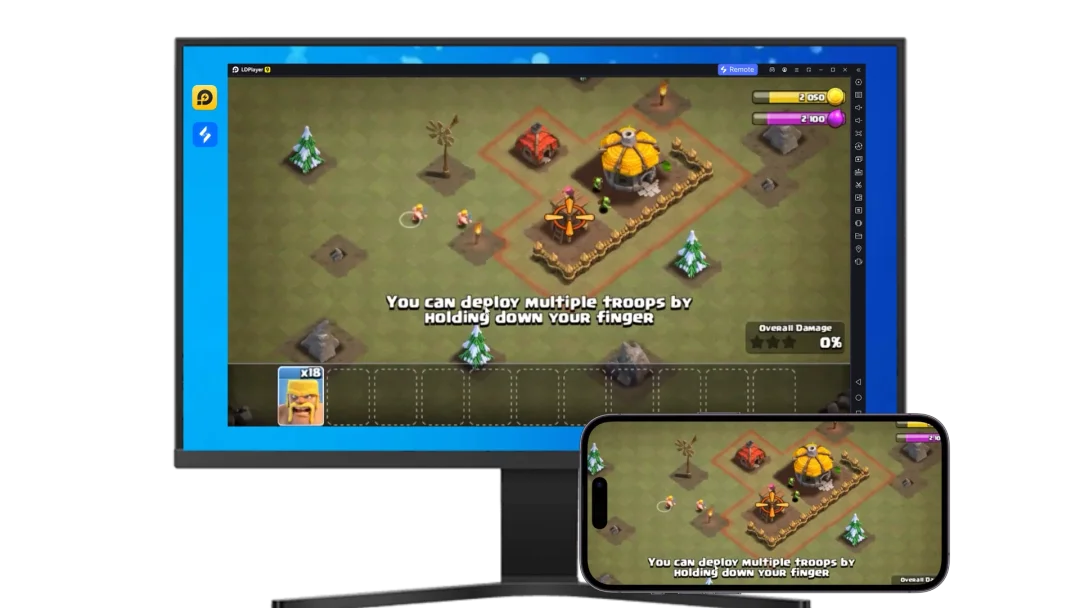
Remote Control

Operation Recorder

Multi-Instance & SyncRemote ControlOperation Recorder

Effortlessly clone multiple instances and initiate synchronization until you draw the desired hero before binding your account, enhancing efficiency in rerolls in Abyssbound-magic rpg game.

  • High FPS

    With support for high FPS, Abyssbound-magic rpg game's game graphics are smoother, and actions are more seamless, enhancing the visual experience and immersion of playing Abyssbound-magic rpg game.
  • Keyboard & Mouse

    In Abyssbound-magic rpg game, players frequently perform actions such as character movement, skill selection, and combat, where keyboard and mouse offer more convenient and responsive operation.

How to Download&Play Abyssbound-magic rpg game on PC?

  • 1

    Download and install LDPlayer on your computer

  • 2

    Locate the Play Store in LDPlayer's system apps, launch it, and sign in to your Google account

  • 3

    Enter "Abyssbound-magic rpg game" into the search bar and search for it

  • 4

    Choose and install Abyssbound-magic rpg game from the search results

  • 5

    Once the download and installation are complete, return to the LDPlayer home screen

  • 6

    Click on the game icon on the LDPlayer home screen to start enjoying the exciting game