101 Yuzbir Okey is a Board application developed by Gamyun, but with the best Android emulator-LDPlayer, you can download and play 101 Yuzbir Okey on your computer.
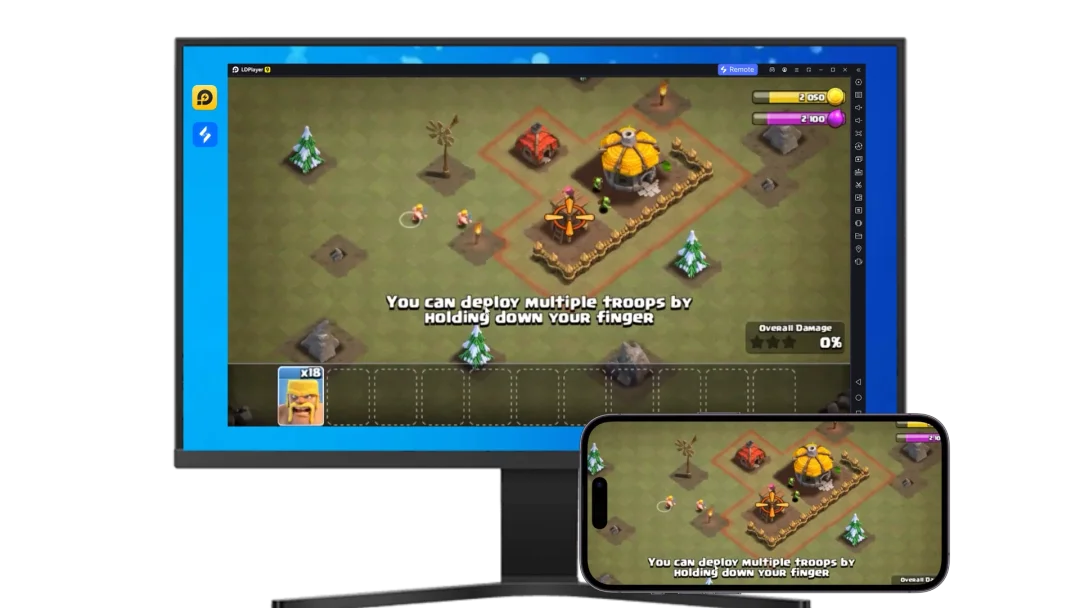
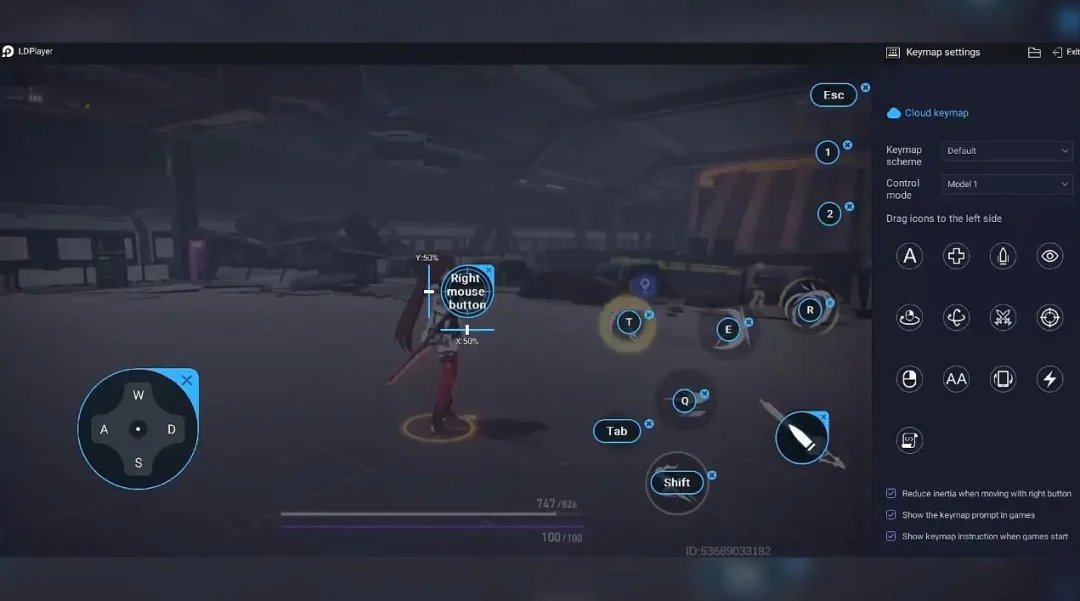
Running 101 Yuzbir Okey on your computer allows you to browse clearly on a large screen, and controlling the application with a mouse and keyboard is much faster than using touchscreen, all while never having to worry about device battery issues.
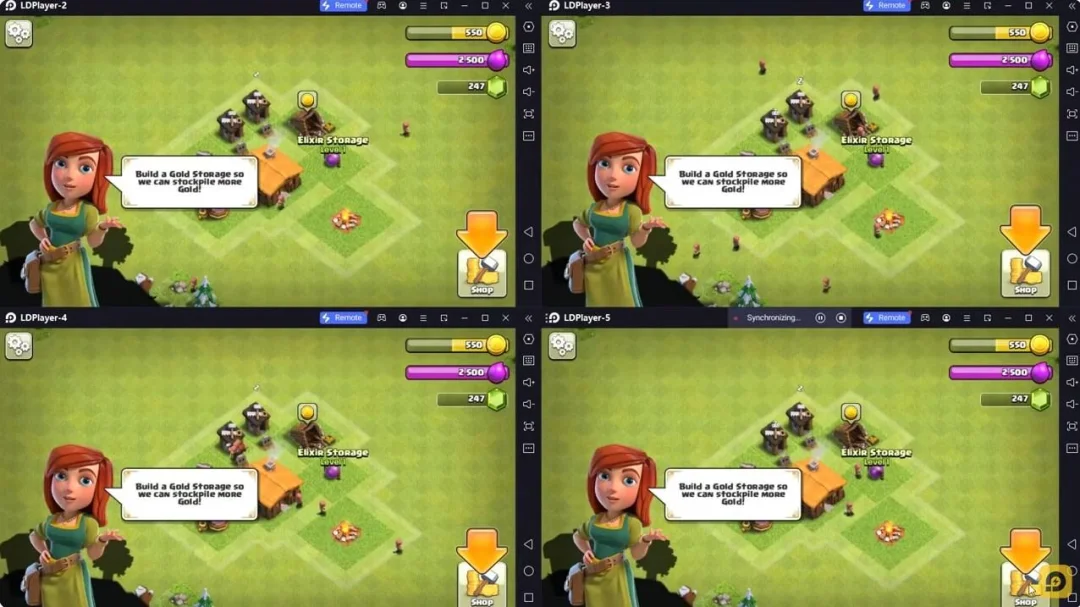
With multi-instance and synchronization features, you can even run multiple applications and accounts on your PC.
And file sharing makes sharing images, videos, and files incredibly easy.
Download 101 Yuzbir Okey and run it on your PC. Enjoy the large screen and high-definition quality on your PC!
101 Yuzbir Okey, played by millions since 2000, is now on your phone and tablet! Online play with real players, with NO ADS and completely FREE.FREE POINT GAMES
You can play as many point games as you want without paying any fee.
EXCITING CREDIT GAMES
If the excitement of point games is not enough for you, we have credit games. Moreover, free bonus credits every day, enough to play dozens of games.
GAMING EXPERIENCE AT ITS BEST
In the games we have prepared with years of experience, everything is where it should be, in the right dosage, neither more nor less. The widest meld area, assisted and doubling games, automatic tile sorting buttons, hand opening buttons. Rearranging opened tiles and forming new sets from them, found in no other 101 game, is only in our 101 Yuzbir Okey app. Our aim is for you to have fun and to live the best 101 experience in our application.
VOICE CHAT
Playing and typing at the same time is hard; now you can call your friends and chat while playing...
CHAT AND FRIENDSHIP
You can meet new people, chat and make friends. You can play cooperative games with your friends. Lobby, table and private chats are right at your fingertips. If you wish, you can easily write your messages by dictation without using the keyboard. With premium services, you can customize your membership and stand out.
GAME WORLD - GAMYUN
The features or credits you get are valid in all our tile/card games, whether you play from your computer, phone or tablet. You don't have to buy separate features and credits for each game.
PRIVACY MATTERS
You use nicknames in our games; even if you connect with Facebook, your name or photo will not be visible.
HOW TO PLAY 101 YUZBIR OKEY?
In 101, the goal is to form sets with the tiles in your hand and open them on the table. You can open series sets when the total value of your sets is 101, or pair sets when you have 5 pairs.
Each hand, 21 tiles are dealt to every player. The player who goes first receives one extra tile and plays the first turn by discarding a tile without drawing. Players try either to reach 101 with series or to reach 5 pairs. Series sets consist of consecutive numbers (1 2 3 - 7 8 9 - 11 12 13) or the same number in different colors (Blue 11 - Yellow 11 - Red 11). Unlike in Okey, the 12-13-1 set is invalid in 101.
After opening your hand, when it is your turn you can also add tiles from your hand to the sets on the table, and if someone has opened pairs, you can open the pairs in your hand. A player who opened series can also open any new set they form. A player who opened pairs cannot open series sets, but if someone has opened series, they can add tiles from their hand to the sets, at most 2 tiles to the right and left of each set per turn, or open new pairs from their hand. Adding tiles works like this: if there is a red 1-2-3 set on the table, you can attach the red 4 and 5 from your hand to it.
Discarding a tile that could be added to a set to the next player costs a 101-point penalty. Similarly, opening an invalid hand requires taking the tiles back and carries a 101-point penalty.
THANKS FOR CHOOSING US
If you like our application, you will make us happy if you take a moment and write a positive review. Thanks in advance... You can send your suggestions, requests and complaints to destek at gamyun.net, or reach us through the in-game support section.