Blogs
How to change view in PUBG MOBILE when the grenade is thrown
2018-07-20
Here is the solution for you.
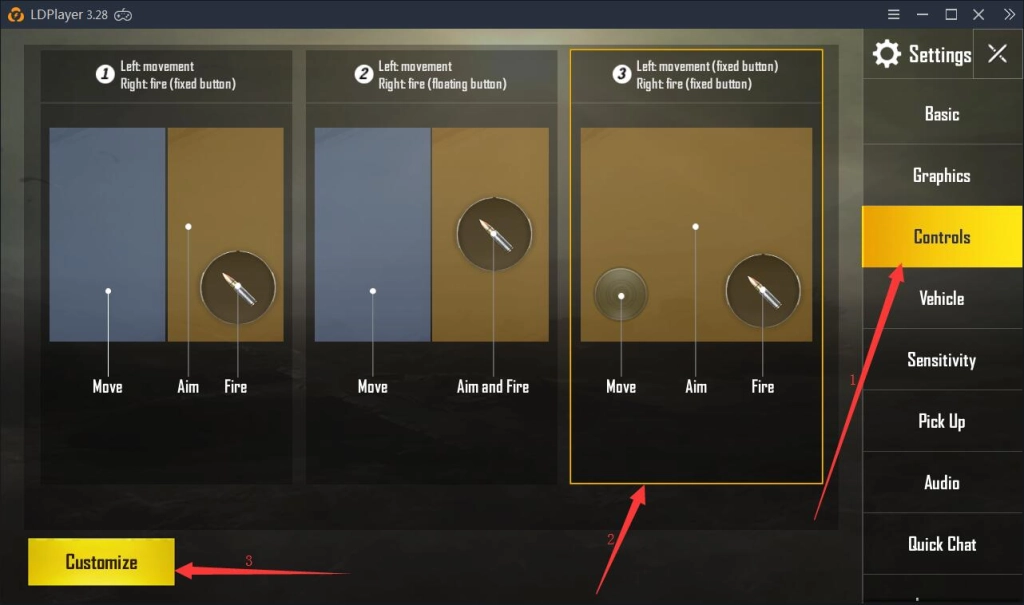
1. click Settings in game and then click Controls. After that, select the third control method and then click Customize.
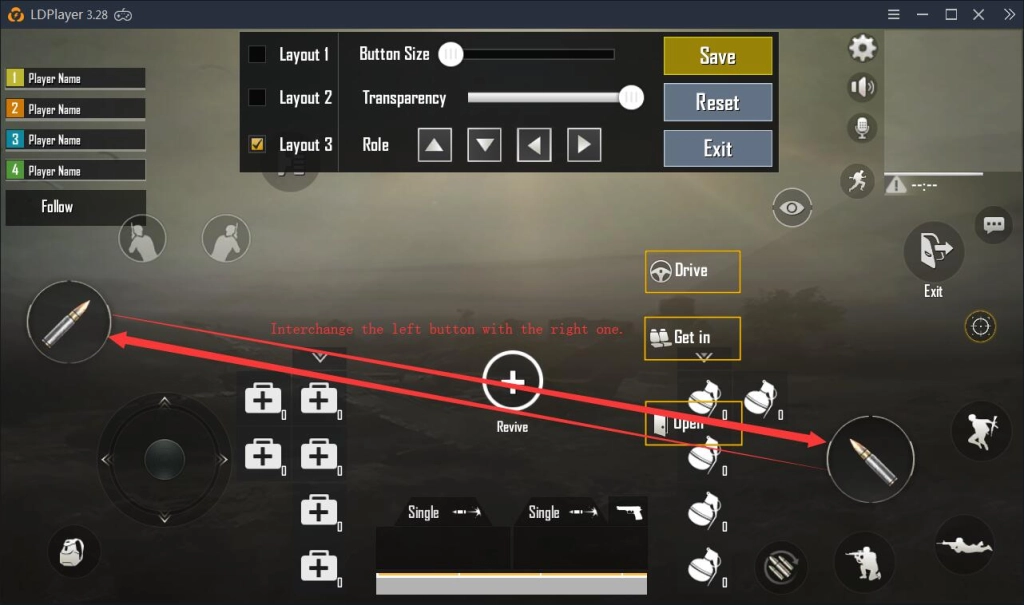
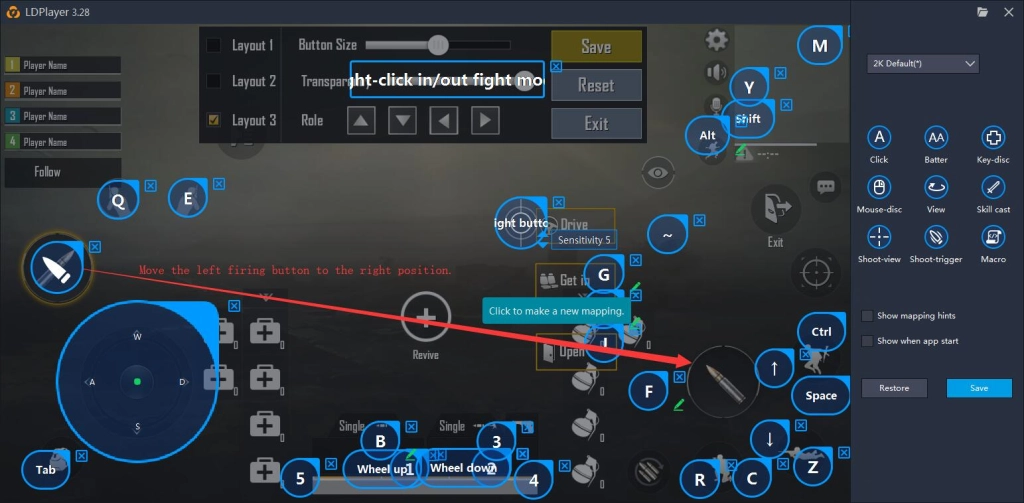
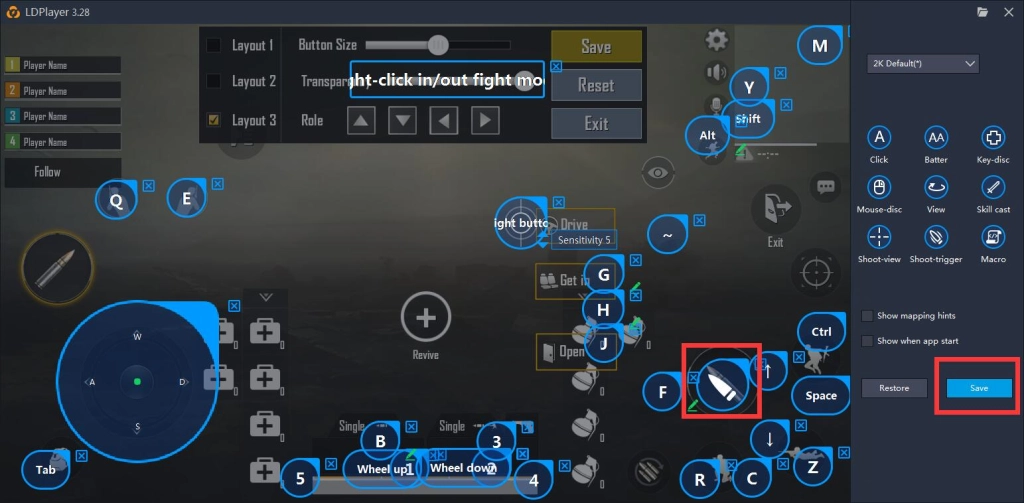
2. Interchange the button for firing at the left side with the one at the right side. Press the F12 key on your computer keyboard to open the Keyboard maping and then move the left firing button to the right position. At last, click Save.
You can normally change your view when you are throwing the grenade after doing these things.

LDPlayer Emulator
LDPlayer Emulator
You May Also Like

Meltdown Mayhem Medal Guide: Best Medal Spending & Frost Flake
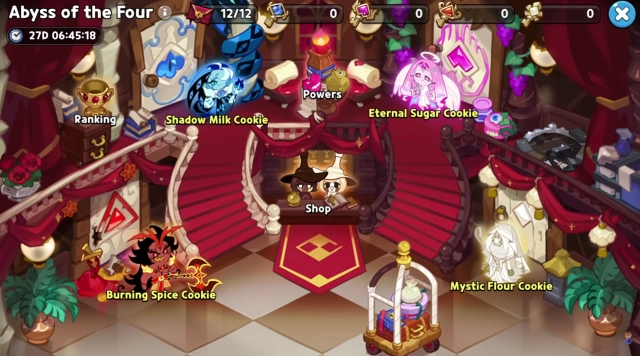
Abyss of the Four Best Team Guide - 40 Challenge Points Explained
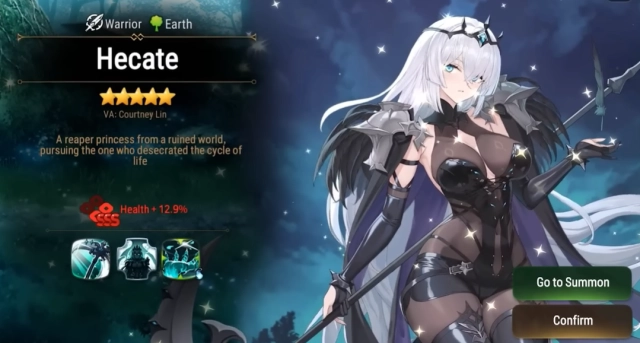
Epic Seven Hecate Build Guide – Skills, Artifacts, Teams & How to Build Her

Roblox Divine Duality Elemental Essence Tier List: December 2025 – Best Essences to Choose
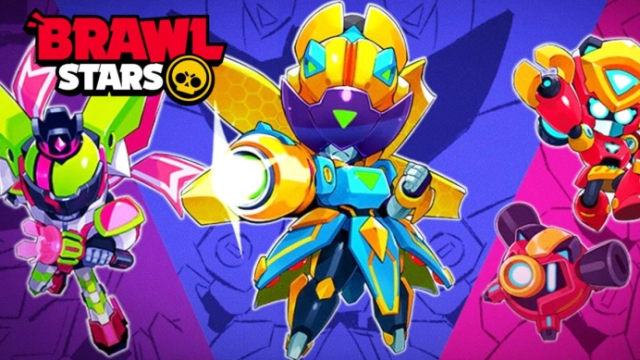
Brawl Stars New Free Mecha Box in New Season!

Smash Fight: PvP Bump Arena Beginner Guide, Tips and Tricks