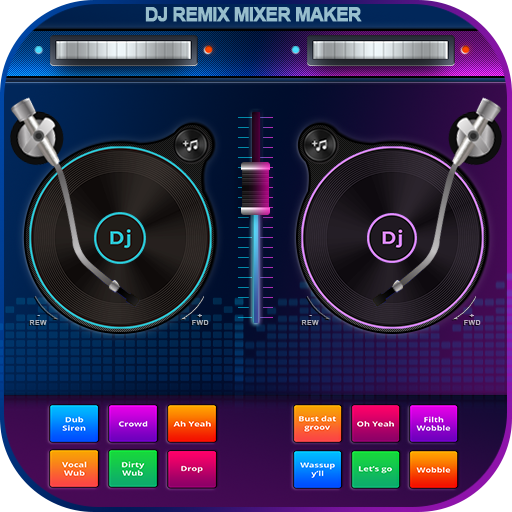
DJ Music Mixer - Beat Maker
Powerful beat maker & DJ mixer to remix tracks, make music, & perform DJ mix
DJ Music Mixer - Beat Maker is developed and provided by LUONG HONG QUANG. LDPlayer offers the download service only.

Overview

FAQ
Run DJ Music Mixer - Beat Maker on PC with LDPlayer
DJ Music Mixer - Beat Maker is a Music&Audio application developed by LUONG HONG QUANG, but with the best Android emulator-LDPlayer, you can download and play DJ Music Mixer - Beat Maker on your computer.
Running DJ Music Mixer - Beat Maker on your computer allows you to browse clearly on a large screen, and controlling the application with a mouse and keyboard is much faster than using touchscreen, all while never having to worry about device battery issues.
With multi-instance and synchronization features, you can even run multiple applications and accounts on your PC.
And file sharing makes sharing images, videos, and files incredibly easy.
Download DJ Music Mixer - Beat Maker and run it on your PC. Enjoy the large screen and high-definition quality on your PC!
🎧🔥DJ Music Mixer - Beat Maker is a powerful virtual DJ mixer and music mixer app with sound effects, Equalizer, and Bass Booster to remix songs, create beats, and record your mix like a pro. Whether you’re a beginner or a professional DJ, this all-in-one DJ mixing app gives you everything you need to create amazing DJ mixes anytime, anywhere.With DJ Music Mixer - Beat Maker, you can easily create, customize, and record your music mixes using advanced mixing tools & sound effects. Mix your favorite tracks, experiment with beats, and perform live DJ sessions with confidence.
🎶 Professional beat maker with Drums
Play multiple drumming styles from classic to modern beats with various drum kits like Ludwig, Electronic, Jazz, African, and more.
🎹 DJ Mixer & Remix Launchpad
Explore buit-in samples of launchpads including Party Drum, Acoustic Drums, Hip-hop Drum, and more. Both in horizontal & verticle UI. Colorize your original music into a more outstanding vibration.
🎙 High-Quality Beat Maker
This DJ beat maker system enables users to create, mix, & perform beats in a professional way right on the phone. Record your beat mixes in HD audio and save them in suitable format.
🎼 Advanced DJ Music Mixer
Access your full music library from tracks, artists, albums, and folders. Add songs to playlists, apply real-time effects, and enjoy optimized beat detection for new smooth mixing and transitions.
DJ Music Mixer - Beat Maker is the ultimate DJ mixing app for creating professional beats, remixes, and party tracks. Perfect for live performances, events, or everyday music creation. 🎵
This DJ Music Mixer - Beat Maker always needs your recommendation and feedback to be immensely improved. We’d like to receive further suggestions from our beloved users with a deep sincerity. Thank you very much ❤️
Screenshots and Videos of DJ Music Mixer - Beat Maker PC


How to Download and Run DJ Music Mixer - Beat Maker on PC
 1
1Download and install LDPlayer on your computer
 2
2Locate the Play Store in LDPlayer's system apps, launch it, and sign in to your Google account
 3
3Enter "DJ Music Mixer - Beat Maker" into the search bar and search for it
 4
4Choose and install DJ Music Mixer - Beat Maker from the search results
 5
5Once the download and installation are complete, return to the LDPlayer home screen
 6
6Click on the game icon on the LDPlayer home screen to start enjoying the exciting game